Upload a File in Chat - One to One Virtu
Learn how to share a document, image, or video during a One-to-One conversation.
Last updated:
August 20, 2025


From a Visitor Conversation:
- From a text conversation, click on the + icon at the bottom left to open a menu.
- Select from the options displayed:
- Max file size is 128 MB.
- Max number of files allowed to upload at once is 5.
- You will see the selected file start to load and send once completed.
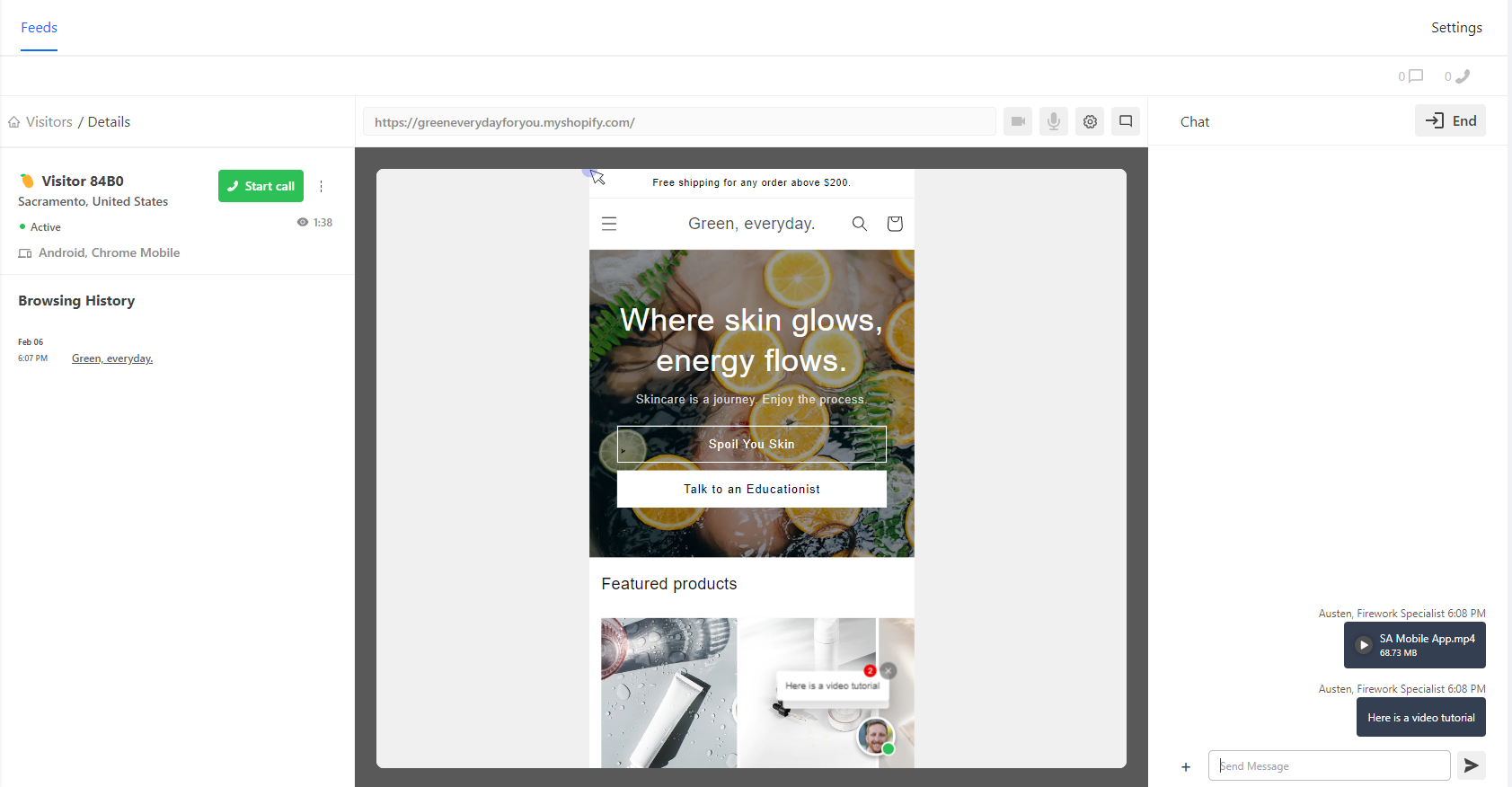
- If file fails to upload, this will display an error message. You will need to resend the file to properly send.
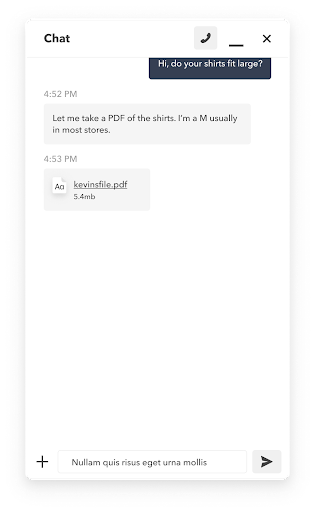
These are the file types you may upload.
- Images: JPEG, JPG, PNG, GIF
- Videos: MP4
- Documents: PDF, DOC, DOCX