Shopify Self Serve Coupon Code
Shopify self serve plans now has a section for pricing plans and integration for coupon codes for Shopify


Note: This is only visible for those with a Shopify self serve plans.
To integrate Your Shopify Store with Firework please follow the steps in this article: Here
Navigating to the pricing plan
Step #1
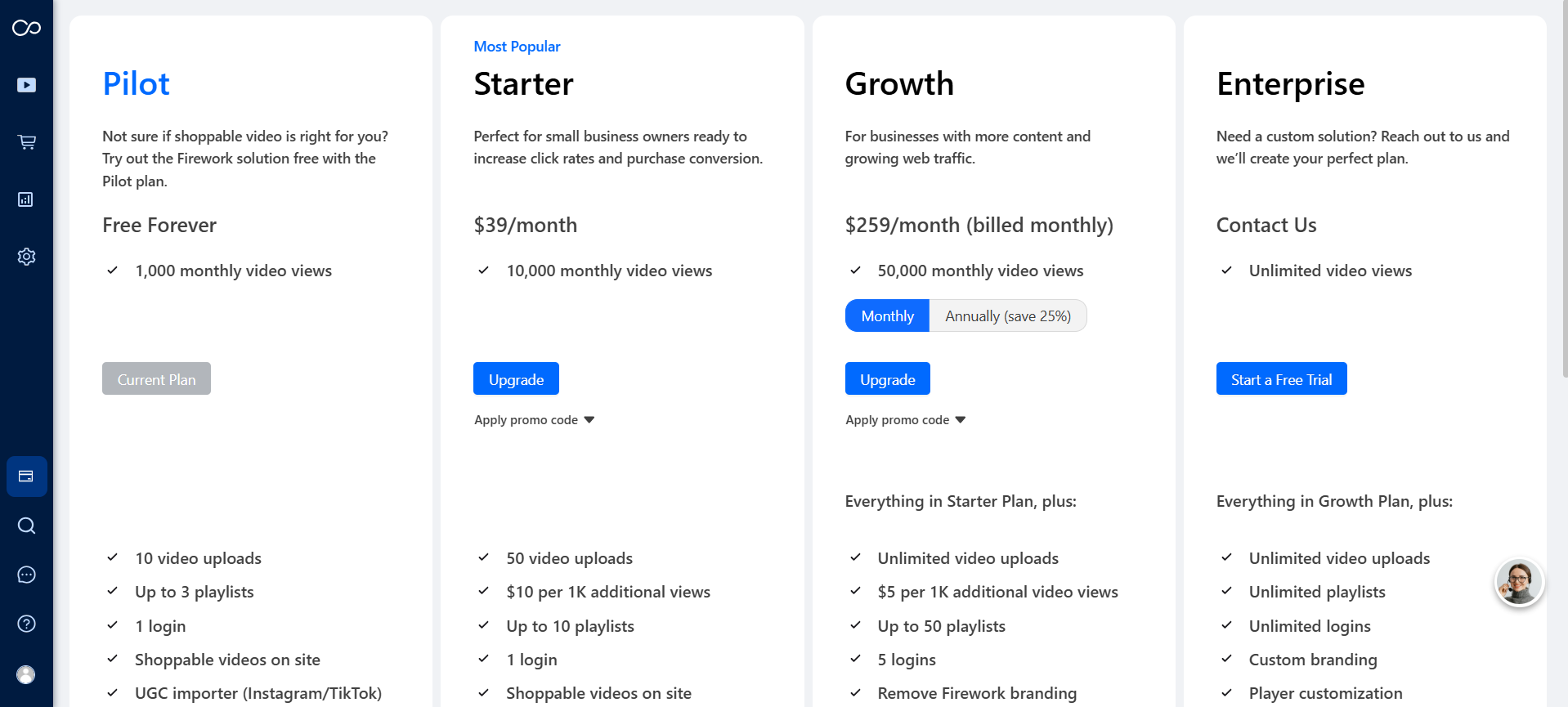
Navigate to the new section called “Pricing Plan” under the “Settings” section within the CMS.
Step #2
This will display the new section featuring the available plans.
Step #3
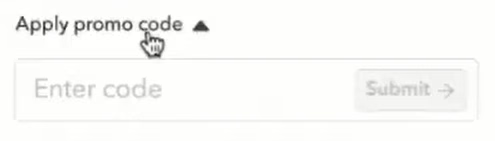
Within the Plans, you will find an option labeled “Apply promo code.” By clicking on this option, a dropdown menu will appear, allowing you to enter your promo code.
Step #4
If the promo code you entered is not valid, a notification will display indicating “Invalid code.” On the other hand, if the code is valid, you will receive a confirmation message stating “Promo applied,” and you will need to click on “Select Plan” to continue with your selection.
Shopify Redirect
Step #1
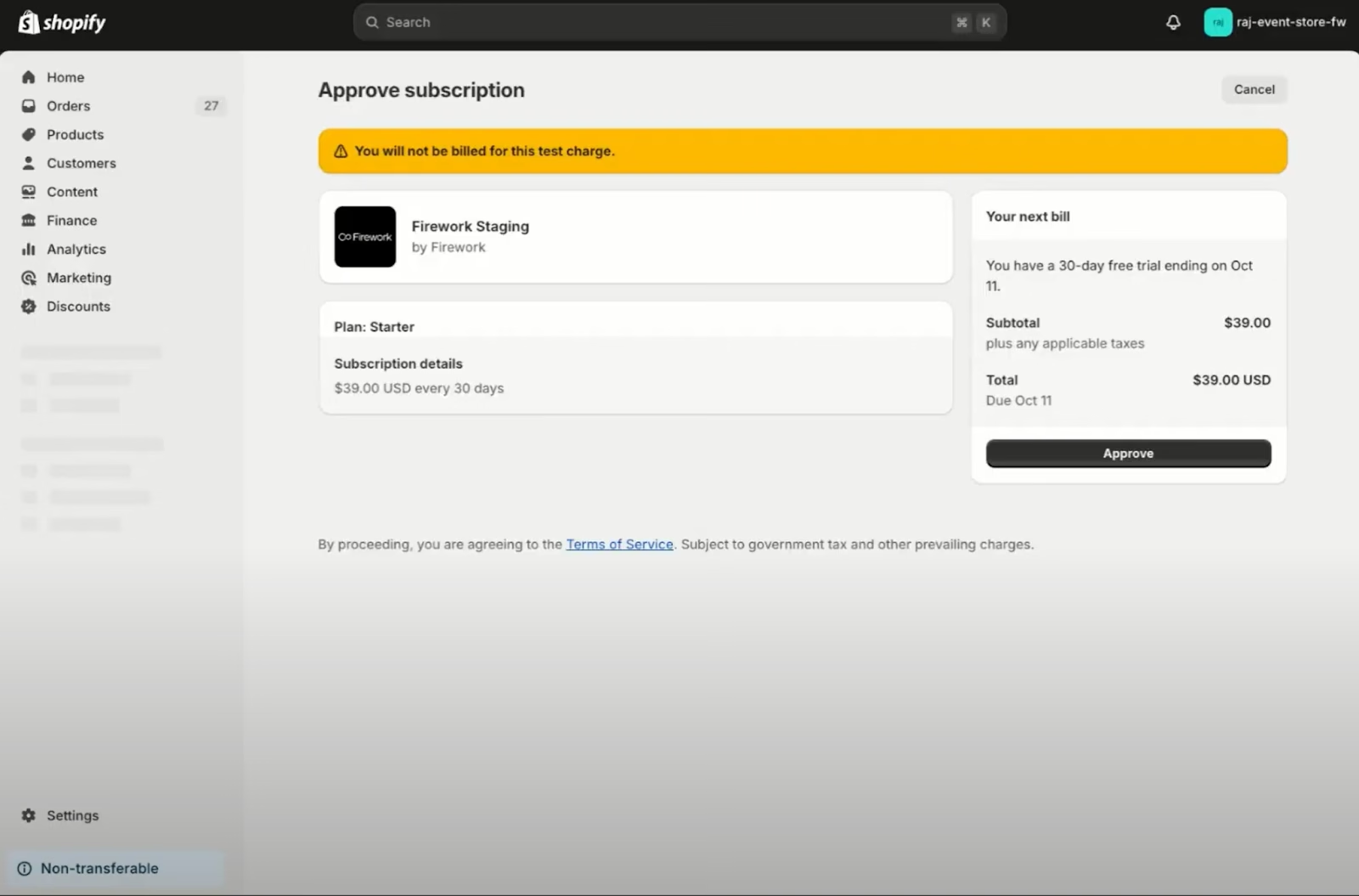
This action will take the user to the Shopify Admin interface associated with their store, where they can view all relevant subscription details.
Step #2
Click "Approve," and the user will be redirected back to the CMS, where there is a confirmation message.
Usage
Step #1
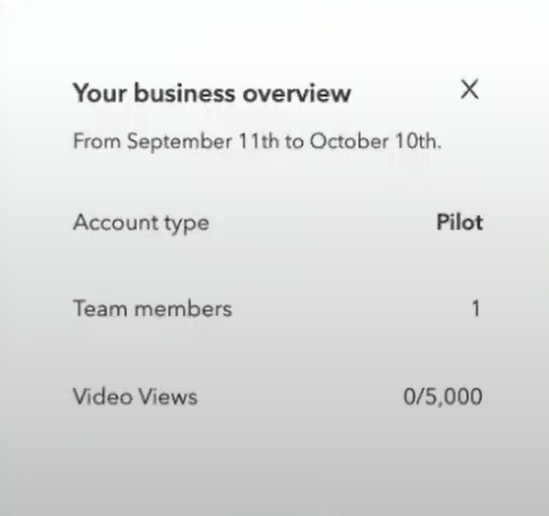
On the left side of the navigation sidebar, you will see a section titled "Account Usage."
Step #2
Selecting this option will bring up a Business Overview, showcasing your Account Type, Team Members, and Video Views.
Note: If a user exceeds the monthly limit of their respective plan, they will receive an email notification outlining possible next steps to manage their usage.