Hiding the Product Price
How to disable the pricing from displaying per your Product.
Last updated:
February 13, 2024


Step #1
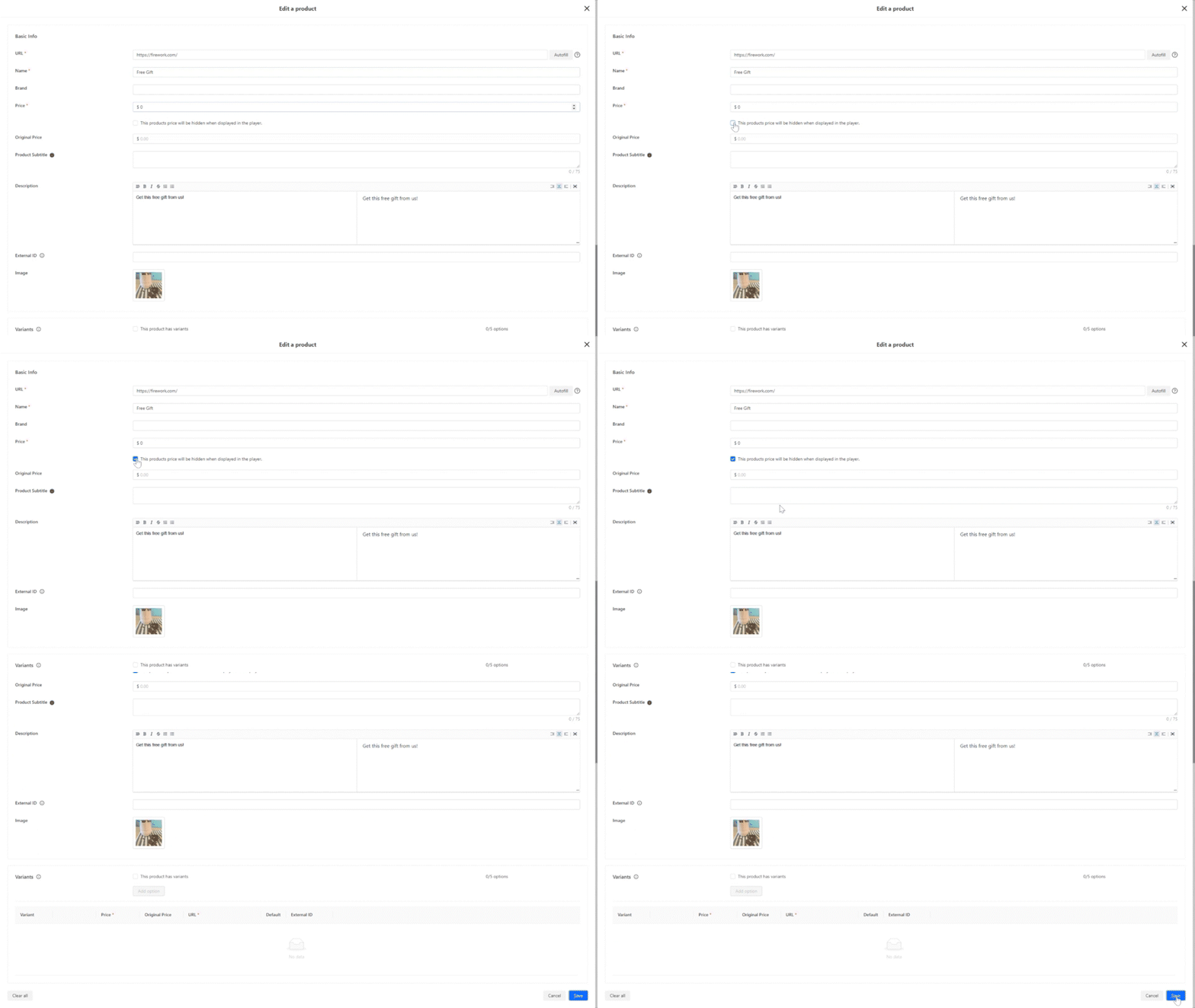
At the Store Level, select a product you would like to hide the price for. Click Edit on a product and then navigate down to check the option for “this products price will be hidden when displayed in the player” .
Step #2
When the product is added to a video as a product card, this product will no longer showcase a pricing to it.
Product will still be clickable as an overlay and consumer will be directed to the URL when View More is clicked.

Note: On a product card, the "Shop now" button will display as a “View More”.