Manage Video Content in the Firework Camera App
Leverage the same functionality that's in the Business Portal all in one place -- the Firework Camera App.
Last updated:
August 20, 2025


Video Management Options
Step #1
Open the Firework Camera App.
Step #2
Tap the Your Content tab in the bottom-left corner of the screen to begin managing your videos.
**Available with iOS and Android.
Create and Upload Content
Step #1
Tap the Plus Icon in the upper-right corner to choose an option:
- Go Live
- Create Playlist
- Upload a Short Video
- Create a Short Video
- Create Livestream Event
- Simulcast Livestream Event on Social Media

Manage Content
You can manage the following in the Firework Camera App:
- Playlists
- Livestream events
- Filter and search your content
- Edit video metadata

.

.
Track Engagement
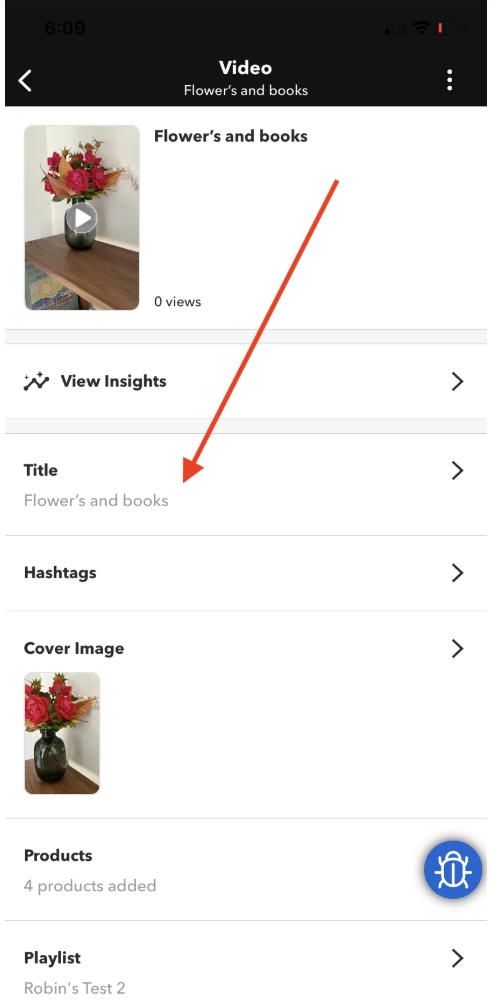
Tap View Insights in the details section of any video to review engagement metrics.

Note:
All changes in the Business Portal will flow seamlessly to and from your Camera App.