ウィジェットメニューの画像をカスタマイズする方法
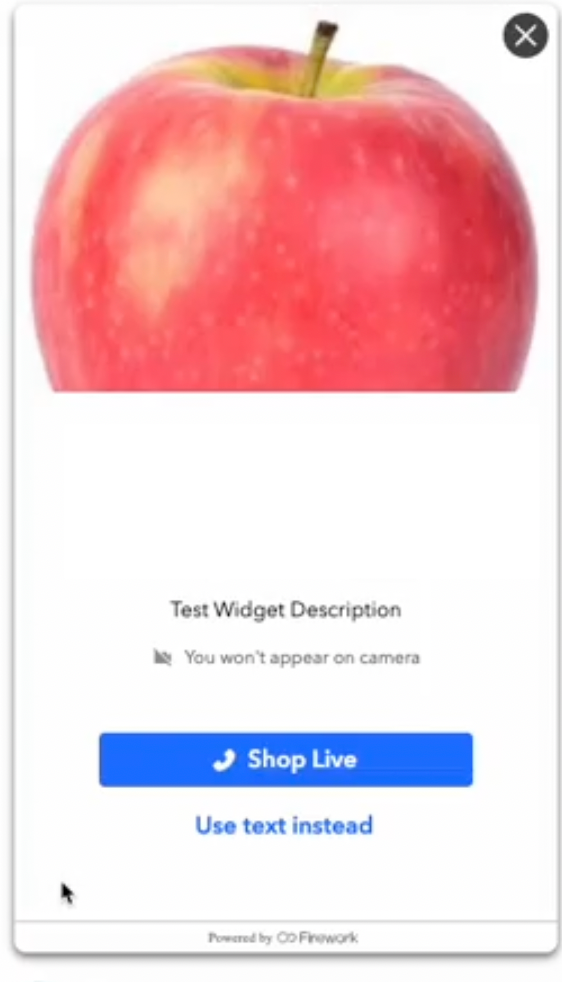
Fireworkビジネスポータルの1対1ワークスペースにあるウィジェットメニューにカスタム画像をアップロードし、お客様向けの体験をパーソナライズする方法をご紹介します。
Last updated:
August 20, 2025


1対1(OTO)ワークスペースをパーソナライズすることで、より作り込まれた魅力的な体験をユーザーに提供できます。
メニュー画像の更新
ステップ1
1対1のワークスペースに移動します。
ステップ2
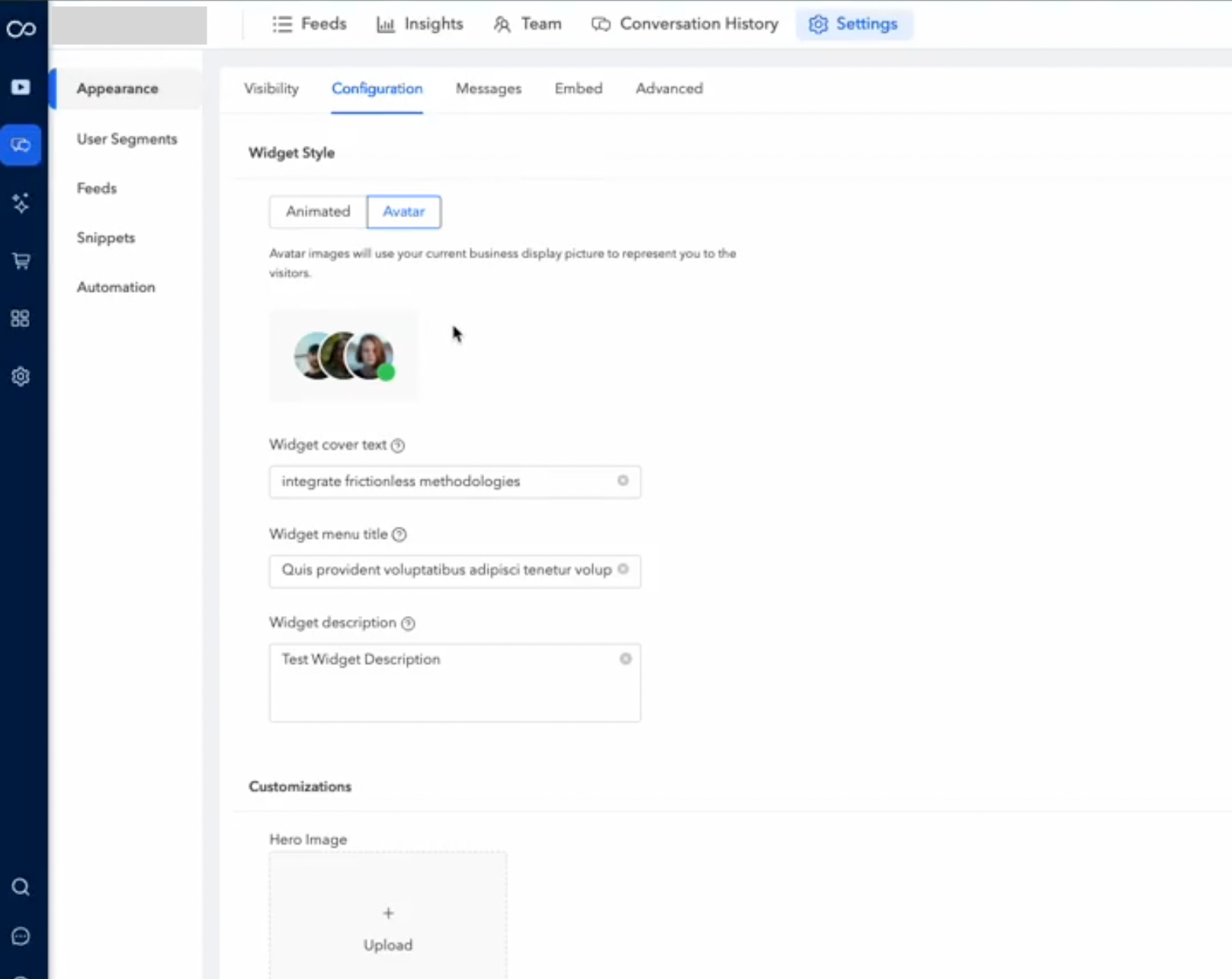
「設定」メニューにアクセスし、「外観」セクションに移動して「Configuration」を選択します。ここにカスタマイズのオプションがあります。
ステップ3
「+ アップロード」ボタンをクリックし、デバイスから使用したい画像を選択します。
ステップ4
新しい画像をアップロードしたら、「保存」をクリックして変更を適用します。
画像を置き換えられるのは管理者のみです。