How to Customize the Widget Menu Picture
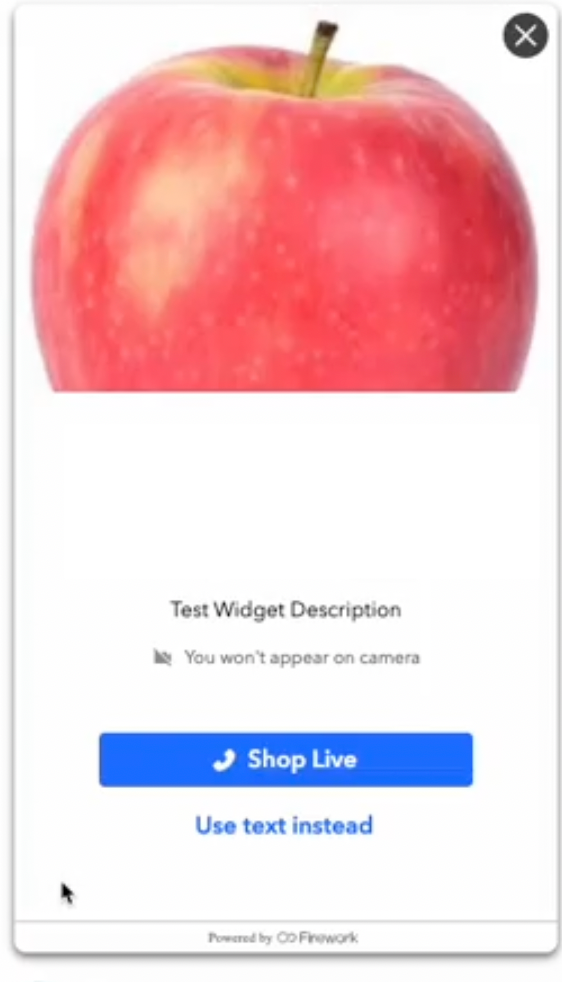
Upload a custom image to your One-to-One workspace widget menu in the Firework Business Portal to personalize the shopper-facing experience.
Last updated:
August 20, 2025


Personalizing your One-to-One (OTO) workspace helps you create a more tailored and engaging experience for your users.
Update the Menu Picture
Step #1
Navigate to the one-to-one workspace
Step #2
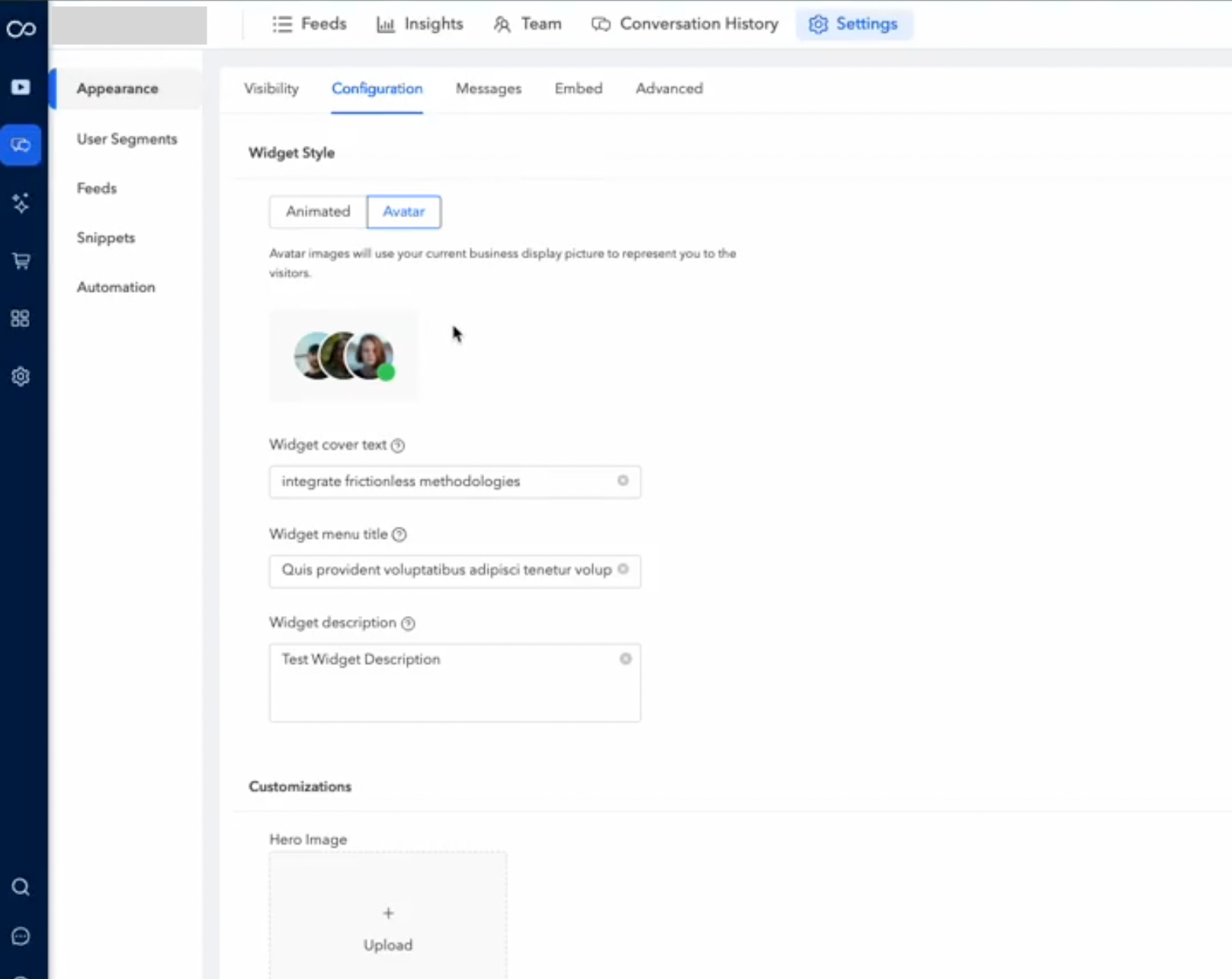
Access the Settings menu, then navigate to the Appearance section and select Configuration. Here, you will find an option for customization.
Step #3
Click on the “+ Upload” button and Choose the image you want to use from your device.
Step #4
Once you've uploaded the new image, click Save to apply the changes.
Only admins will be able to replace the image