Activate Cart Integration in Adobe Commerce Cloud
Learn how to add cart checkout and Product Cards to your storefront.
Last updated:
October 8, 2025


Add a Product Card to a Video
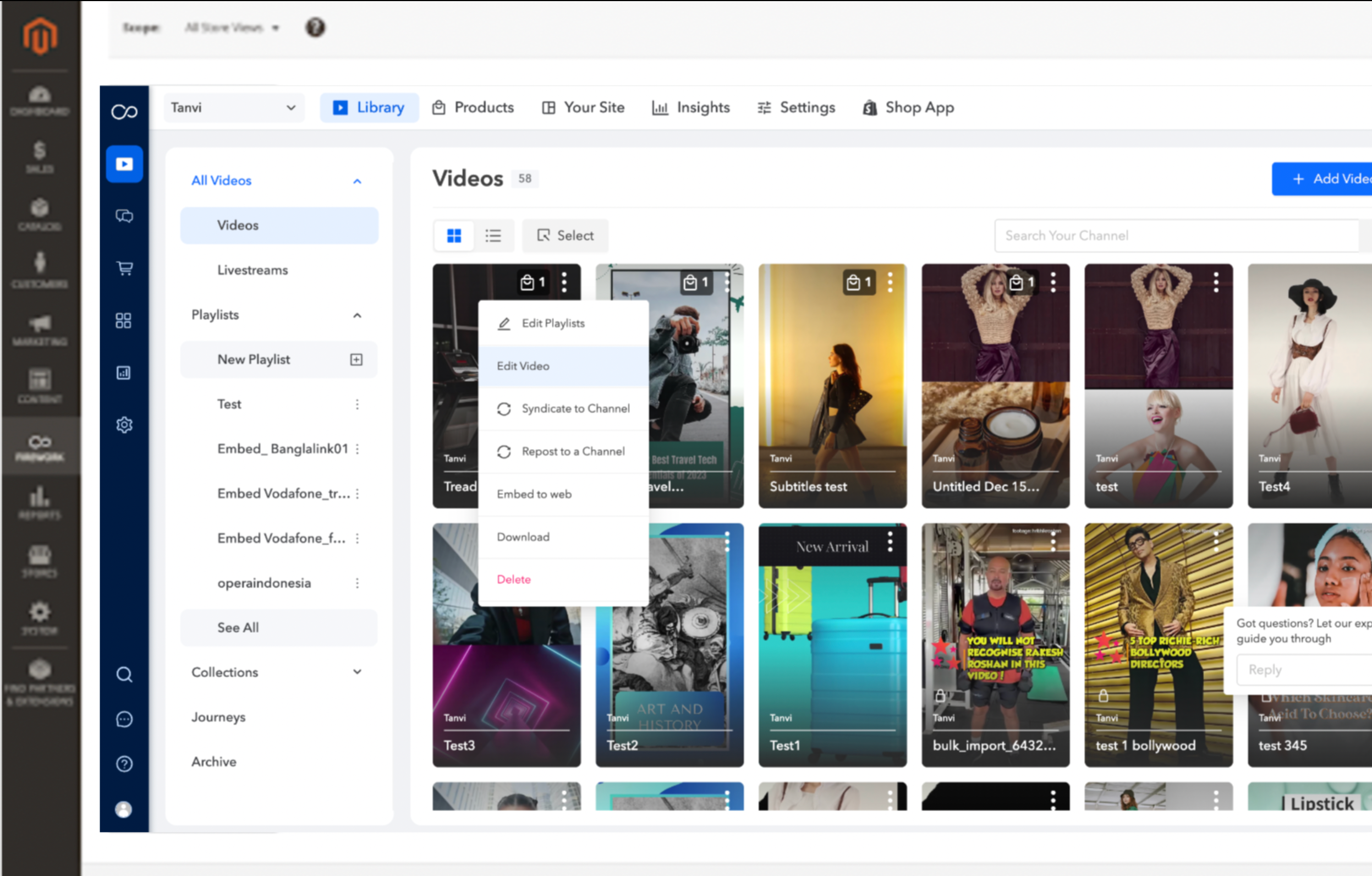
Step #1
Select a video in your library, then click Edit Video.
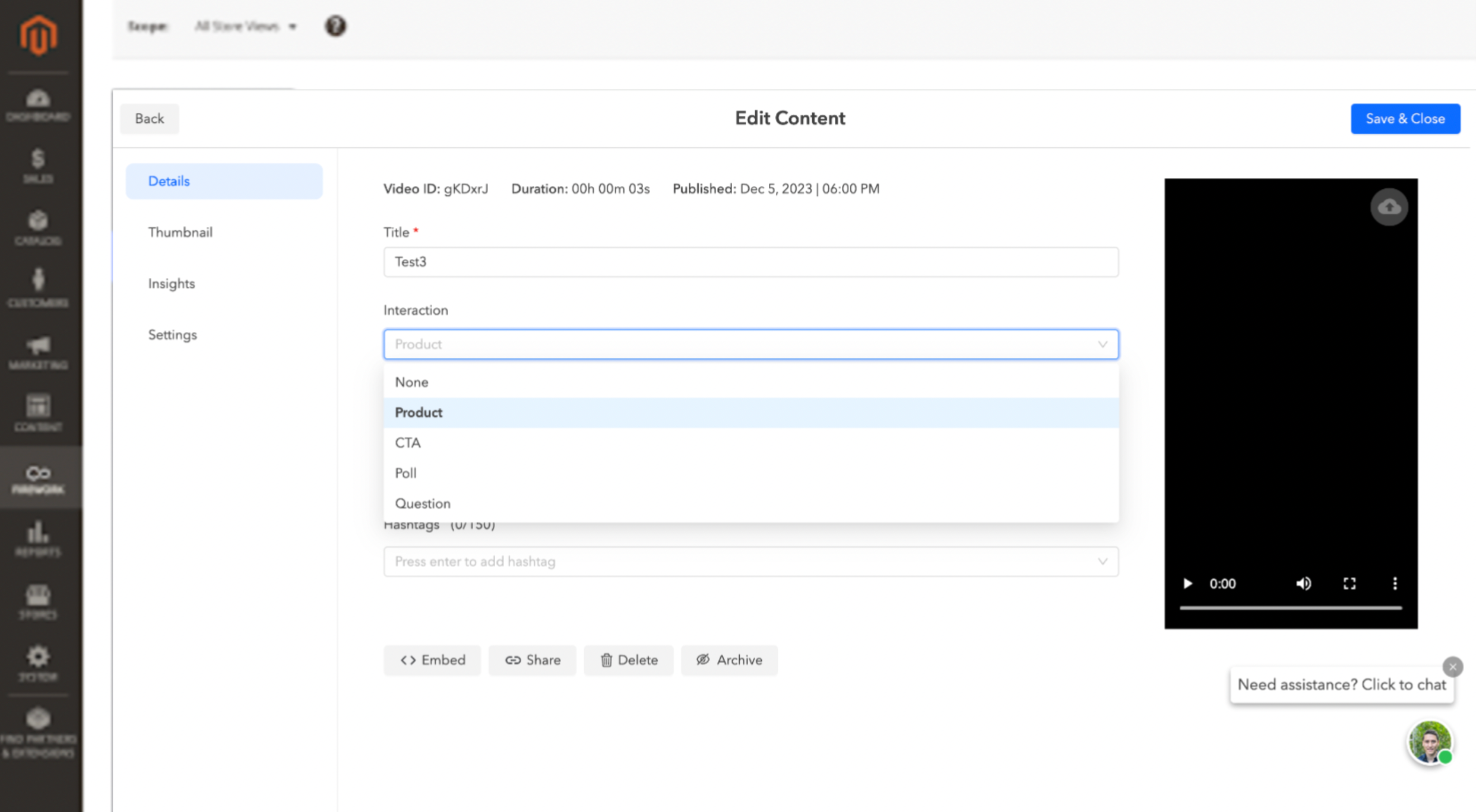
Step #2
This will open up the video detail page under Interaction click on Product and then click on Tag products.
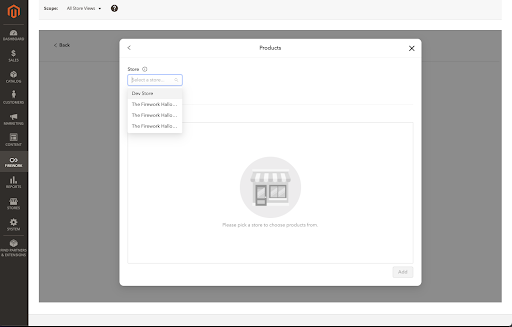
Step #3
Use Store dropdown menu to select the store that you have integrated to your Magento Store.
Step #4
Select the product or products you want to overlay atop the video you are editing then click Add. Then click Save & Update.
Cart Checkout
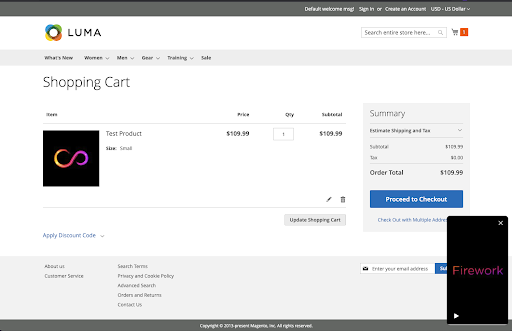
Once your video is embedded in your storefront, the consumer will be able to click on the Product Card and then view the product.
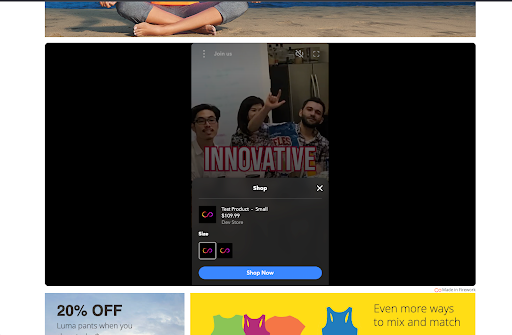
Clicking Shop Now will put the product in the shopping cart for the consumer to purchase!