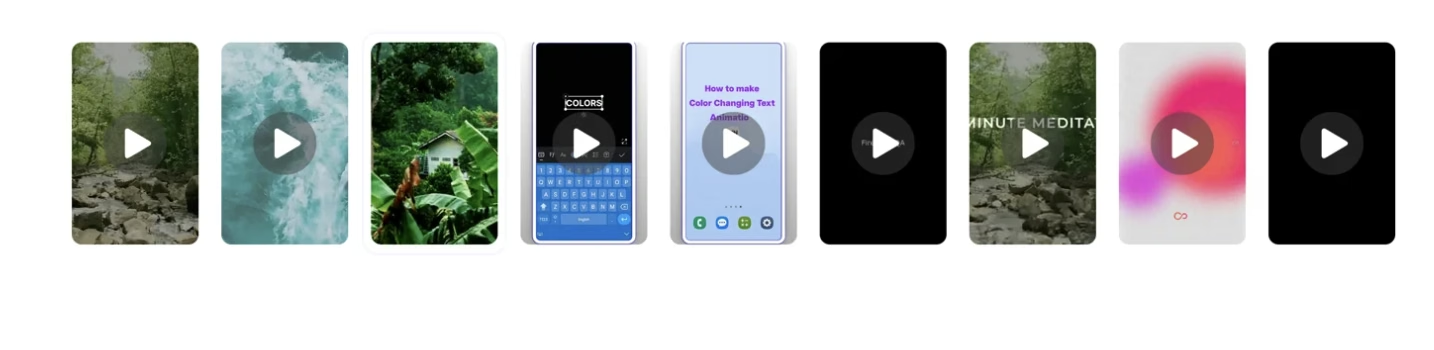
Embedding Playlists on Your Website
Embed Firework shoppable video playlists on any webpage using a simple HTML tag, with layout options including story block, floating player, and more.


You can embed a Firework playlist on your website using a simple HTML tag. This allows you to showcase engaging, shoppable videos directly on your site. Follow the steps below to get started and explore various layout options.
How to Embed a Playlist
Step #1
Log in to the Firework Business Portal.
Step #2
Navigate to the playlist you’d like to embed.
Step #3
Click the “Add to Site” button next to the selected playlist.
Step #4
Choose from the different layout options.
Step #5
Click “Copy Code” to generate the embed HTML.
Step #6
Paste the code into your webpage where you want the playlist to appear.
Step #7
Use the Preview section to see how your selected layout will look before embedding.
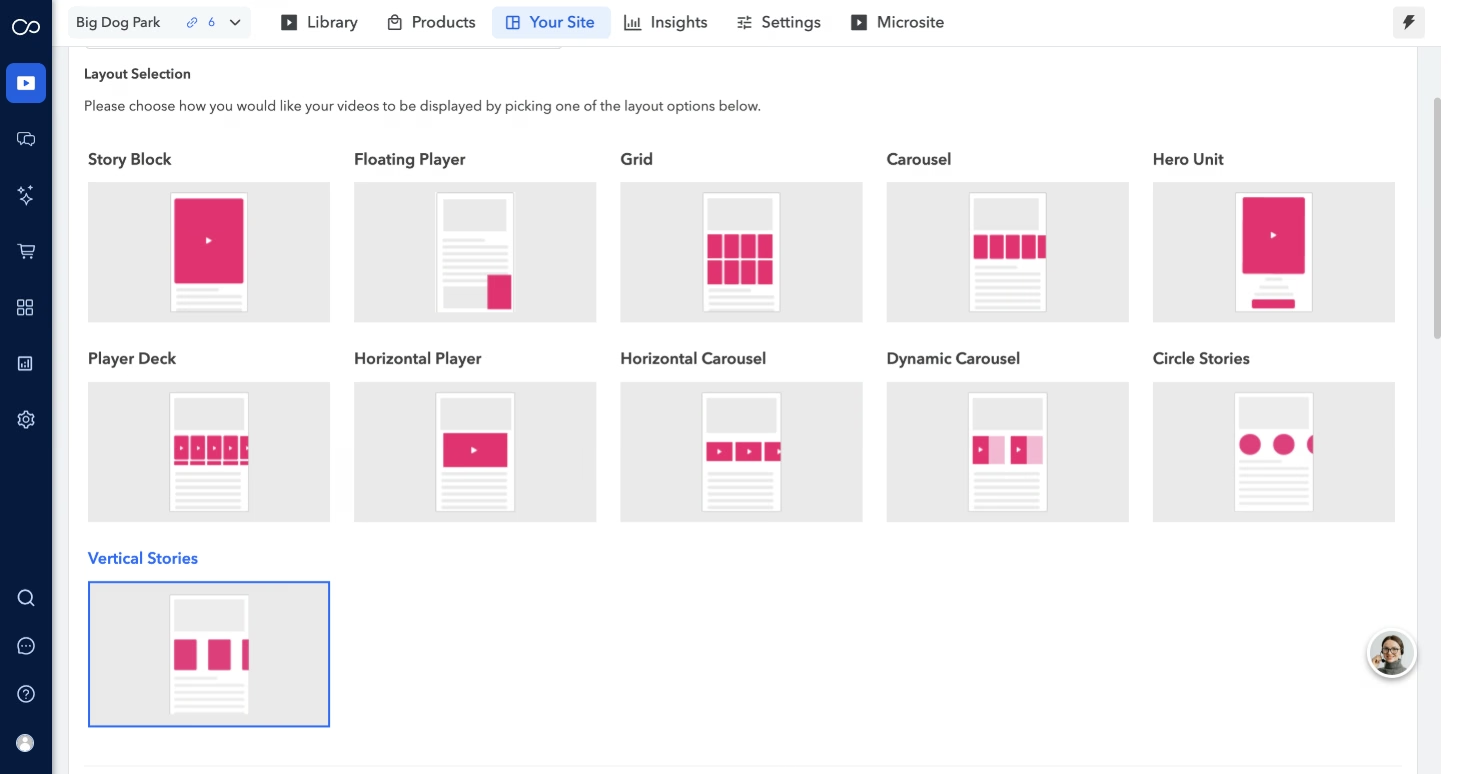
Step #8
Display Title – allows you to add a title for your widget.Once you add it, the title is also included in the HTML code.
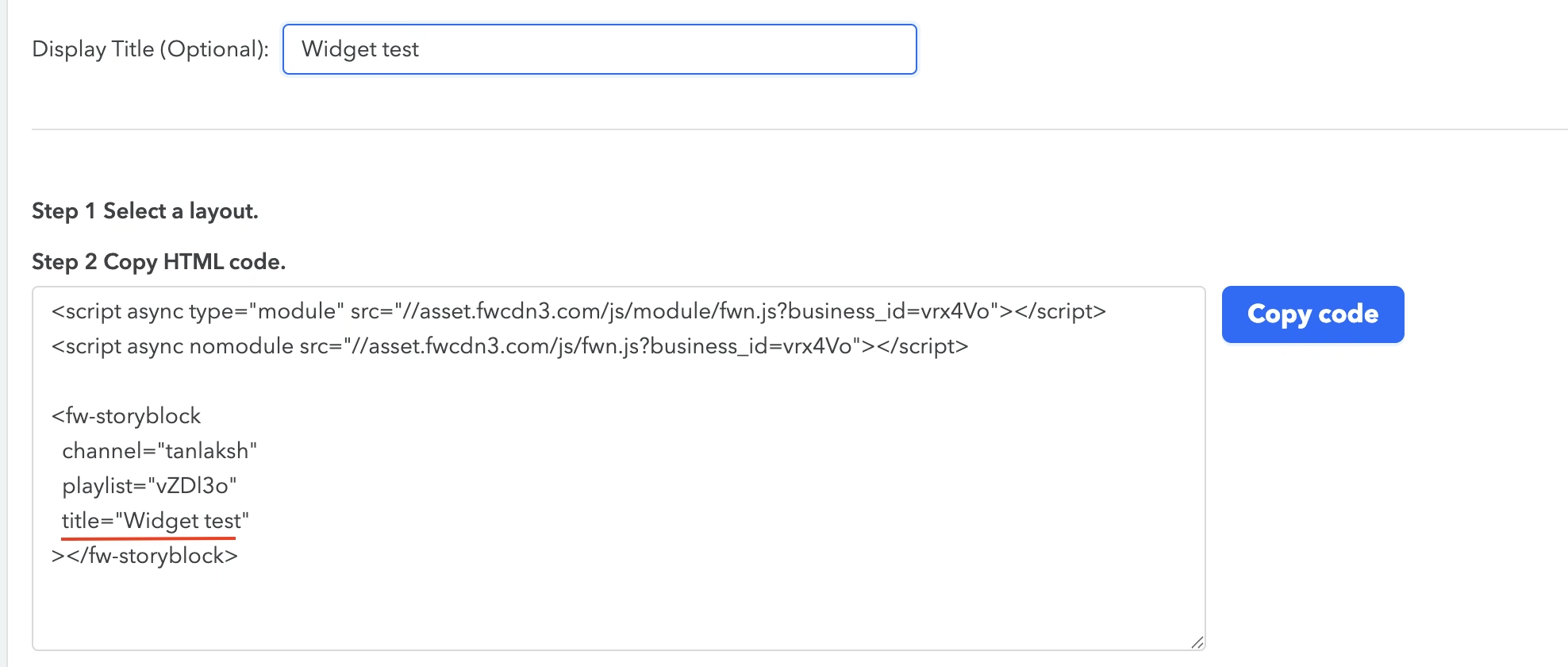
Note : You can now expand player_captions to show/hide embed menu title. Hiding player_captions also hides the event/video title in the menu view. When player_captions = false, both captions and the title are hidden.
Playlist Layout Options
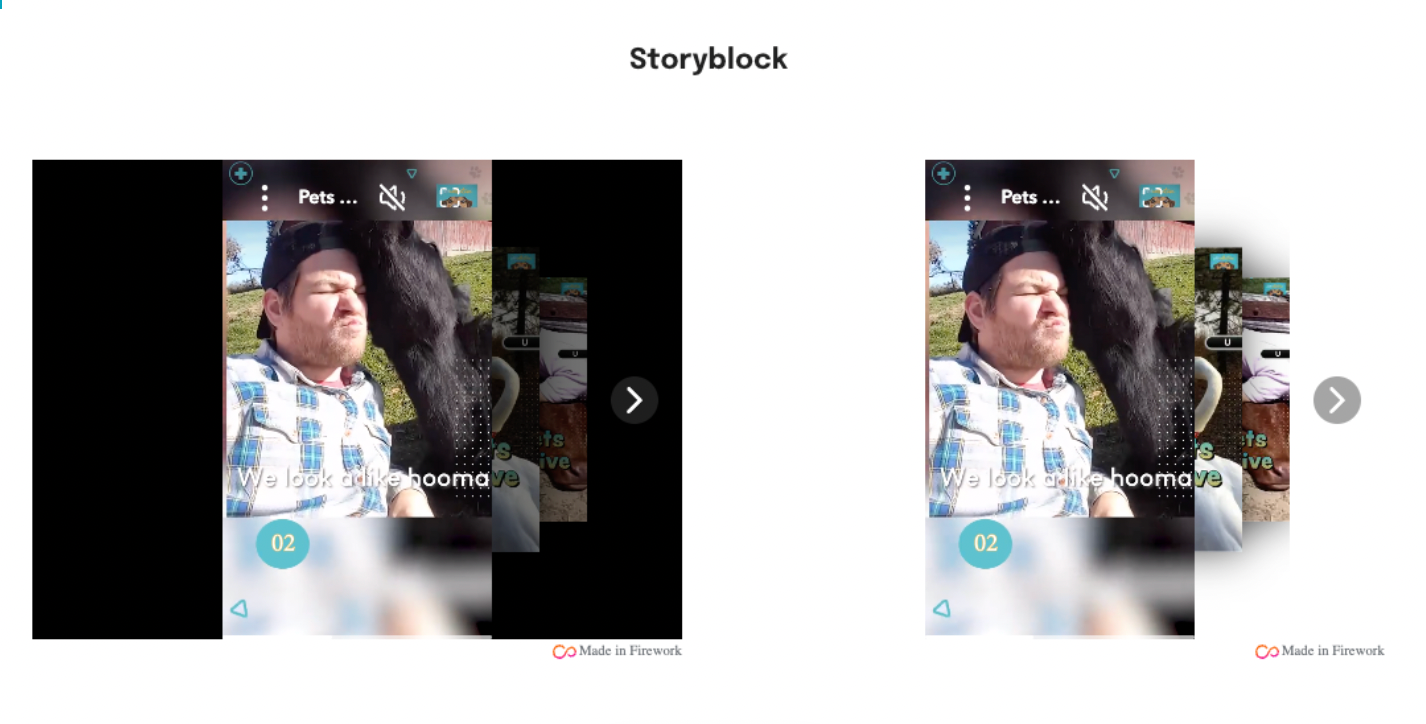
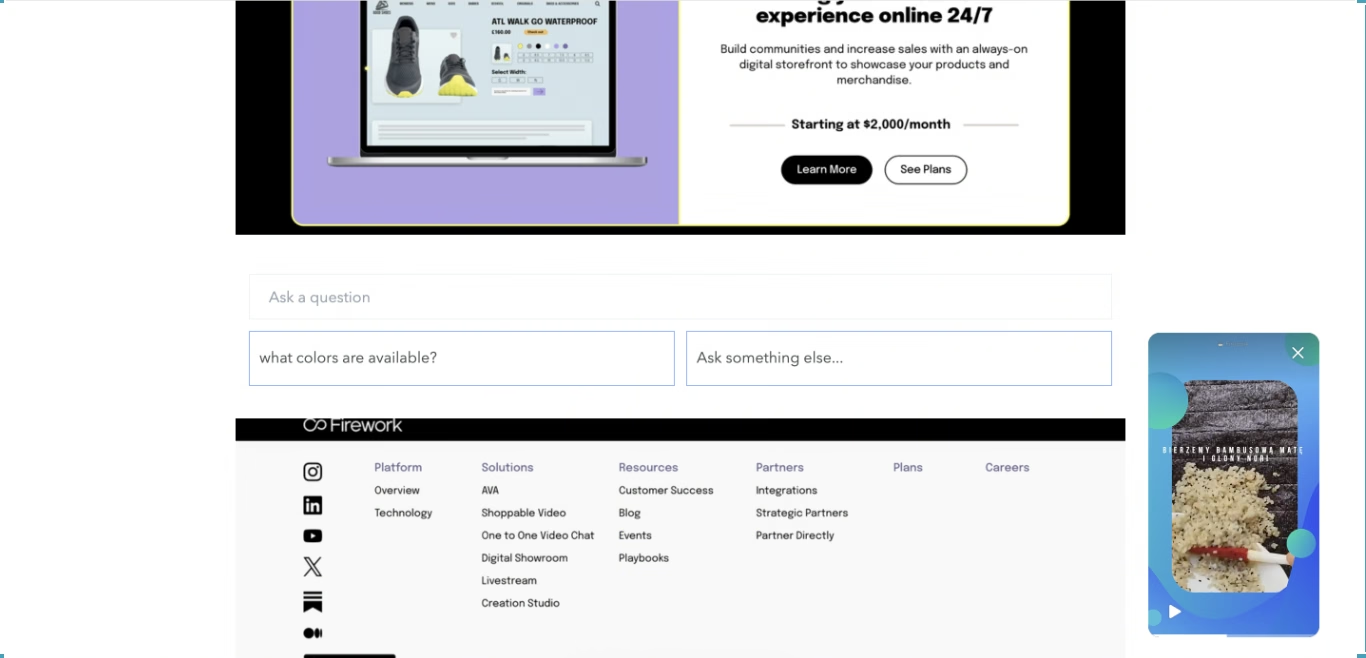
Story Block
A static content block that displays one video at a time. As one video finishes, the next one in the playlist plays automatically.
- Scrollable and non-floating
- You can learn more about customizing a Story Block here — including background options and layout tweaks.
- To set a transparent background, add an additional line of code to your embed.
Floating Player
A small, persistent video player that floats in the corner of the screen as users scroll.
- Typically placed in the header or body of the site
- Supports Picture-in-Picture mode for continued playback
- Ideal for keeping video content visible without disrupting the browsing experience
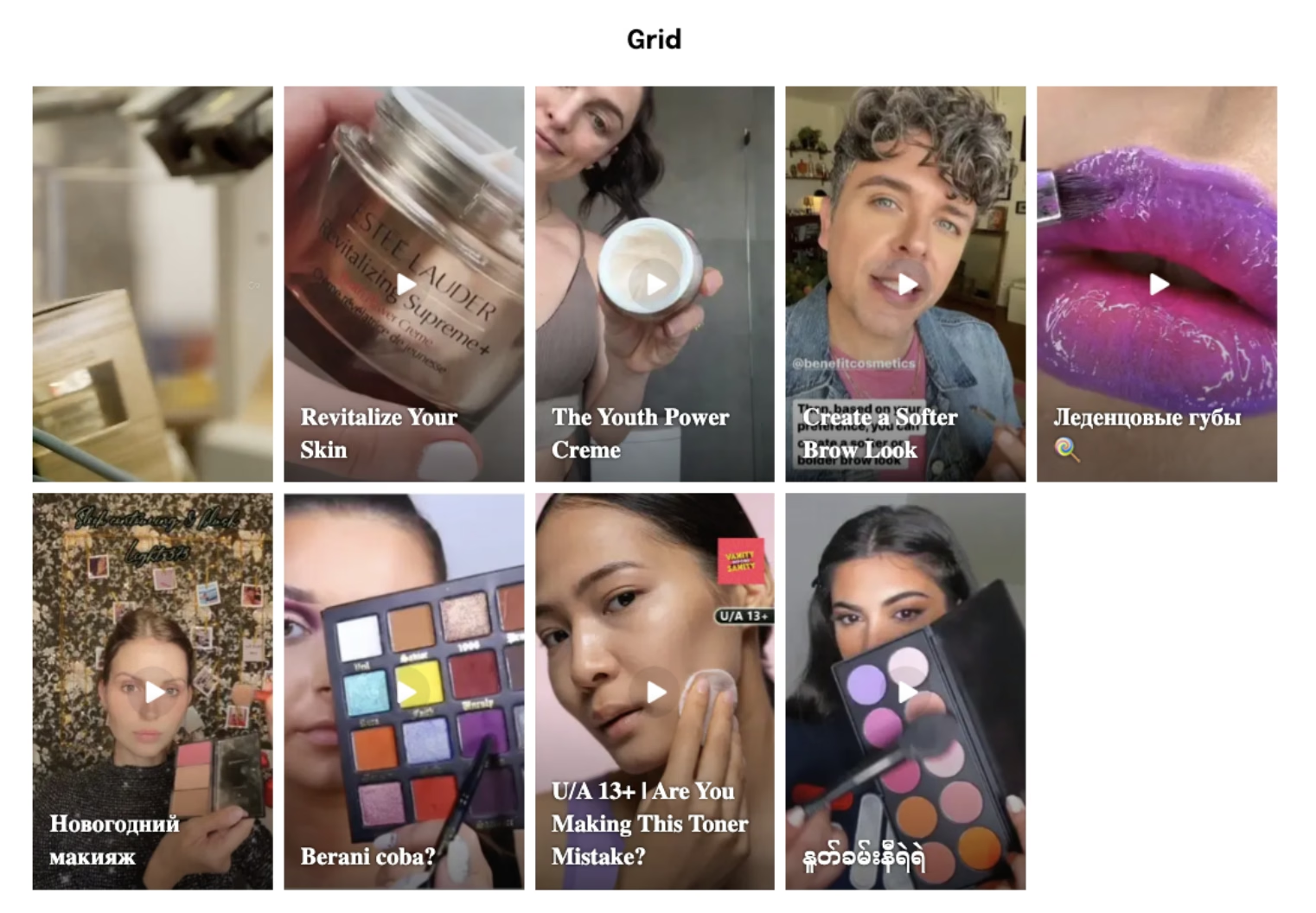
Grid
Displays videos in a grid layout. Users can click on any video to expand it into a larger player. The player will float in the corner of the screen when minimized.
- Scroll left or right through the playlist within the expanded view
- Choose floating position (e.g.,
bottom-right)
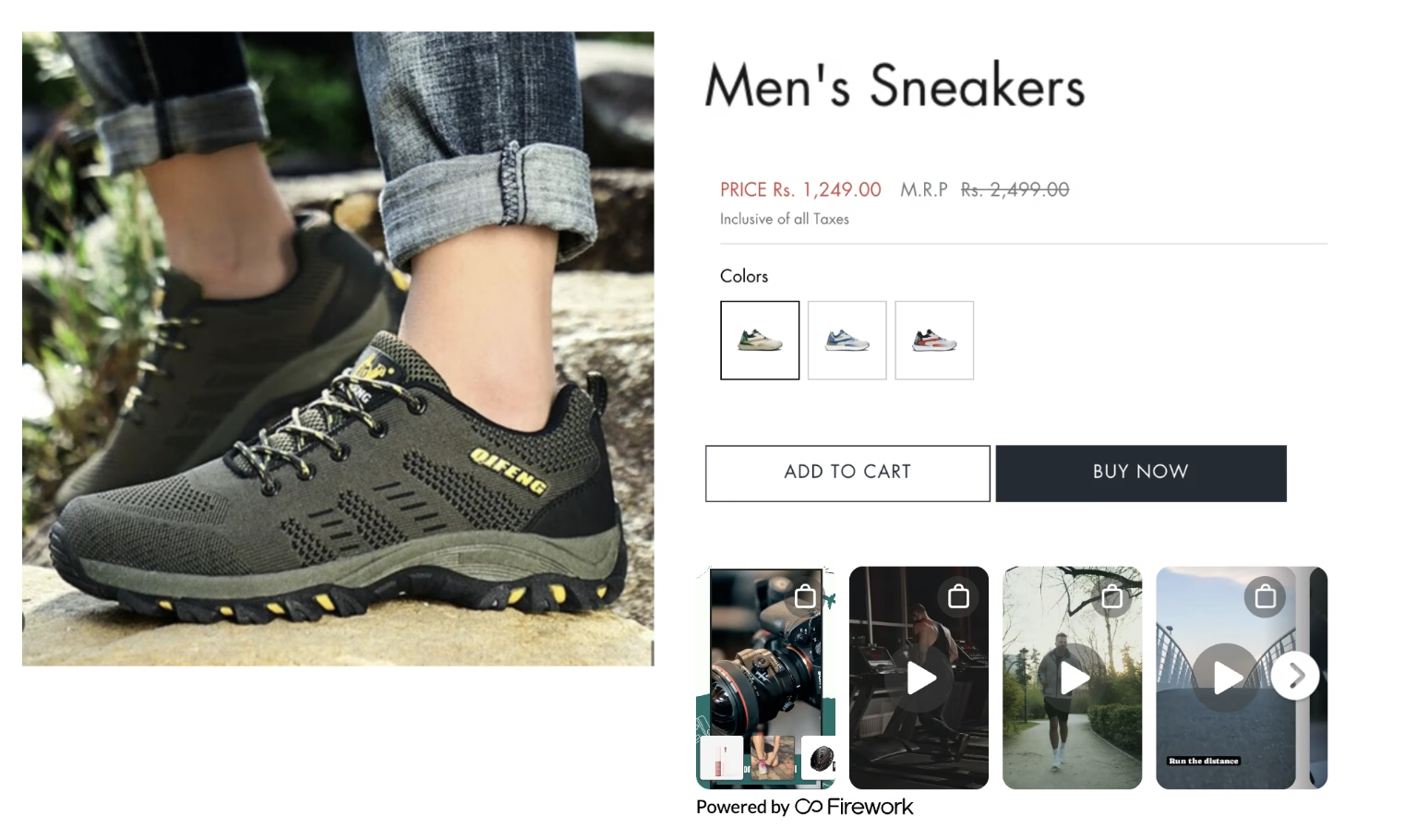
Carousel
Fixed videos scroll left-to-right. Selecting a video will enlarge the video player. When minimized, the video player will float to a corner of the screen. You can select which corner you want the video to float in.
- Adjust size with
size="small"orsize="medium" - Selecting a video triggers an overlay view
- Great for homepage embeds or product category pages

Small Sized and Medium Sized Carousel
You can adjust the size of the carousel to either small or medium by incorporating the size="small" for a small carousel or size="medium" for a medium carousel directly into the HTML code.
<script async type="text/javascript" src="//asset.fwcdn3.com/js/embed-feed.js"></script>
<fw-embed-feed
 channel="firework_depot"
 playlist="oe8bX5"
 mode="row"
 open_in="default"
 max_videos="0"
 placement="middle"
 size ="small"
 player_placement="bottom-right"
></fw-embed-feed>
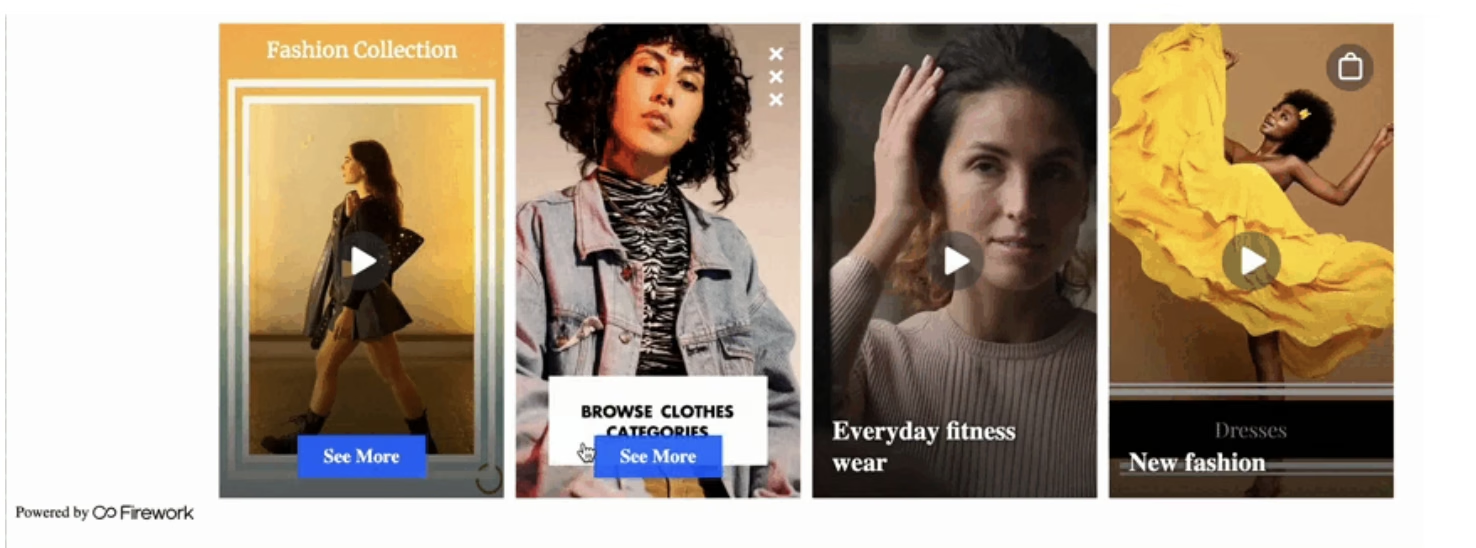
Enlarged CTA Support
When using the Carousel or Grid layout along with a button interaction, an Enlarged CTA will appear over the video poster during autoplay — helping drive engagement and clicks - link
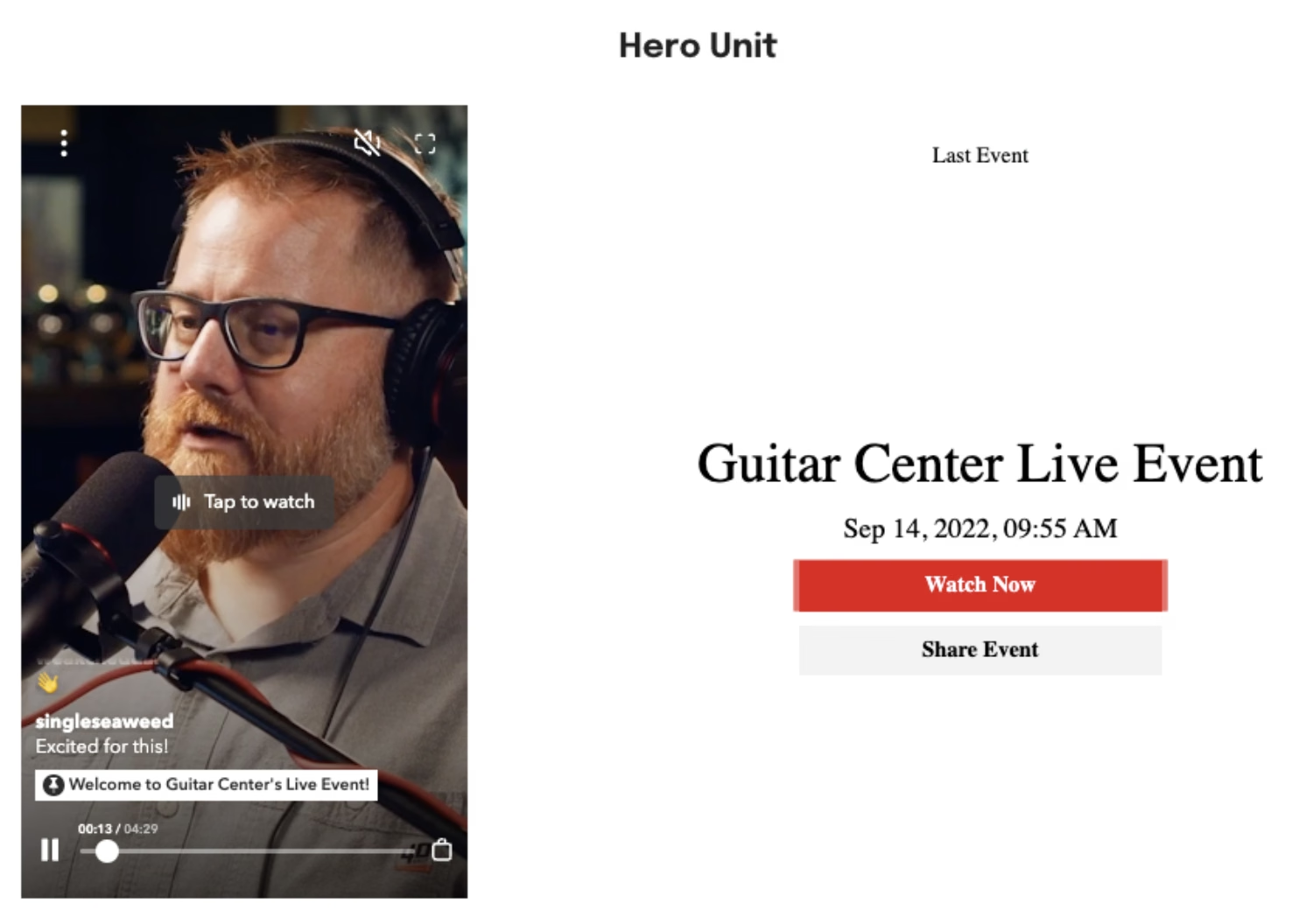
Hero Unit
A bold, full-screen layout used primarily for livestream content. It places a Story Block on the left and interactive text and CTAs on the right.
- High-impact design for announcements or campaigns
- See how to enable a Hero Unit here to learn more about this livestream specific layout.
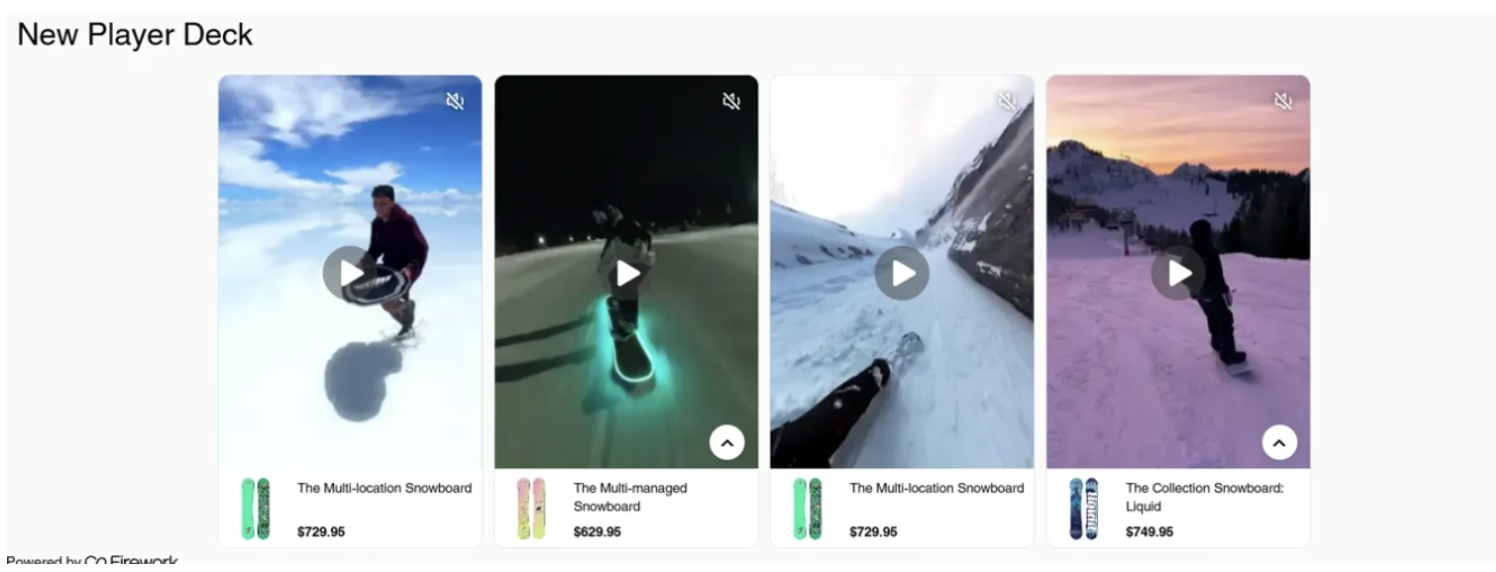
Player Deck
Designed for performance and conversion — this layout displays all videos prominently and drives users quickly to PDPs (Product Detail Pages).
- Works well for shoppable experiences
- Emphasizes fast decision-making. Embed the New player deck on your website.
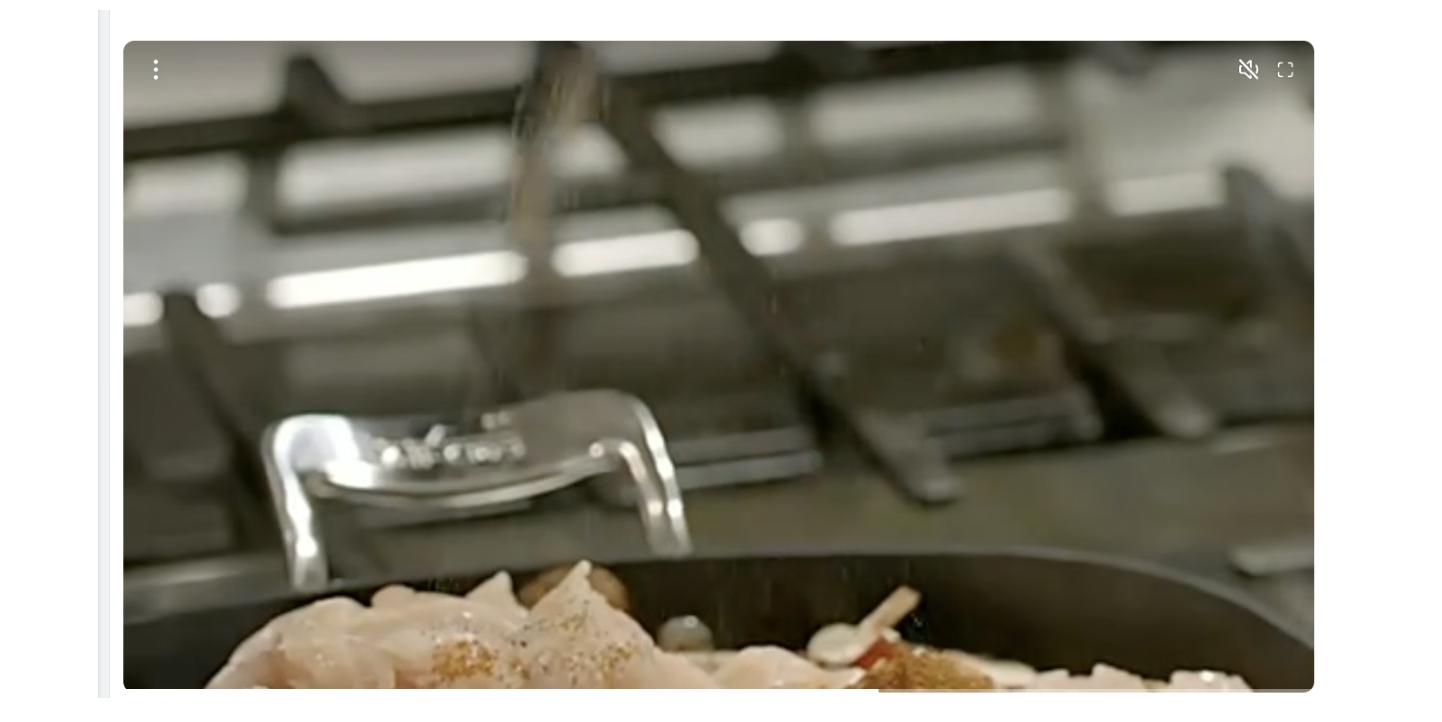
Horizontal Player
Enable horizontal displays. Allow 1 video in horizontal video Player as a hero unit or full width video.
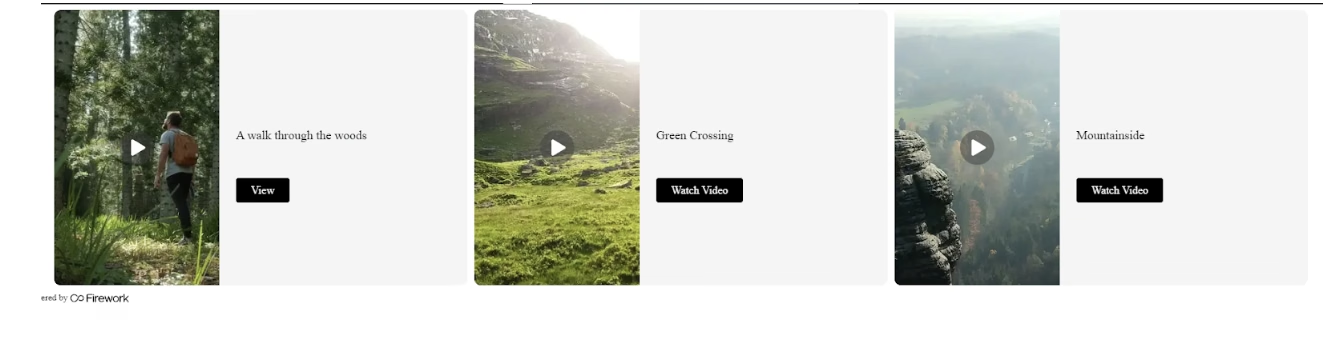
Horizontal Carousel
This layout displays several horizontal videos arranged side by side for easy viewing. Offers a wide-screen visual experience

Dynamic Carousel
Introducing an innovative approach to presenting a carousel playlist, this layout enables the display of cards that can be interacted with. Each video is showcased as a static poster, providing clickable options for users to explore further.
Circle Stories Embed
A circular Instagram Stories-style layout, ideal for visual storytelling. Available in both the CMS and the Shopify Embed App.
Key Features:
- Circular thumbnails with optional pulse animation.
- Autoplay support: Enable or disable initial playback (
autoplay=true/false). - Pulse animation customization:
- Disable using
pulse_animation=false - Customize color using CSS:
--fw-thumbnail-pulse-animation-color
- Disable using
- Thumbnail sizes:
small,medium, orlarge - Layout adjusts spacing dynamically based on the size to prevent overlap.
Accessibility Note: Users with "Reduce Motion" enabled on their device will not see the pulse animation, though spacing will remain intact.

Vertical Stories Embed
A vertically stacked layout with rectangular thumbnails. Functionality is identical to Circle Stories Embed, with the only differences being the vertical orientation, rectangular thumbnails.