How to Limit Incoming Chats in a Livestream
Learn to limit incoming comments to provide a smooth viewing experience.
Last updated:
October 8, 2025


Step #1
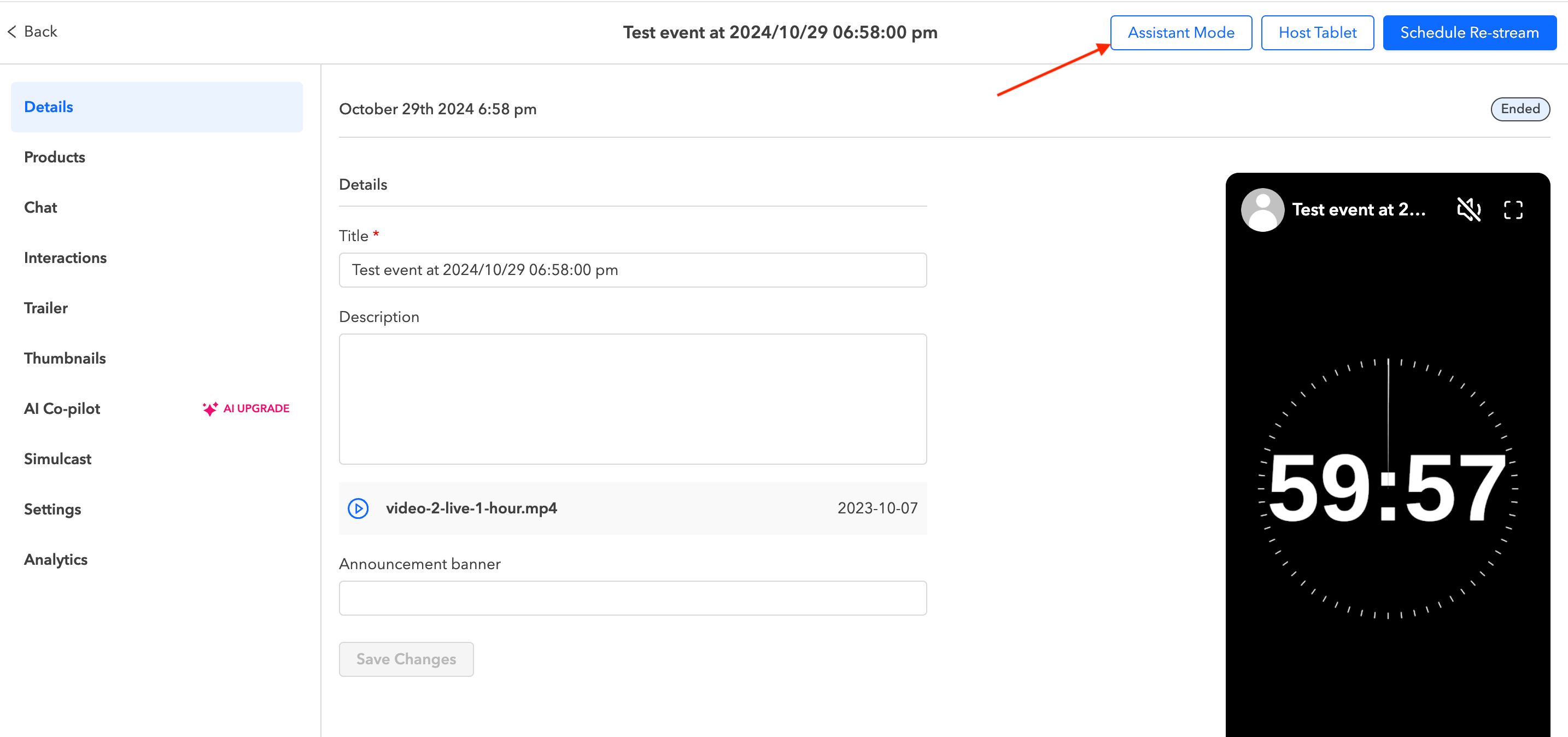
Once your livestream is set up and live, navigate to Assistant Mode.
Step #2
Click on the settings icon next to Live Chat. In the "Set Chat Rate Limit" section, you can set the maximum consecutive messages a user can send and the time interval before they can send another message.

We recommend setting the Limit to 2 messages per user and 30 seconds. Feel free to adjust as needed based on your event.