How to Set Up Trivia Giveaway Interactions for Livestreams
Add a trivia giveaway to your Firework livestream — create questions, set correct answers, and draw winners from correct respondents.


Create Trivia Questions
Step #1
Navigate to the Business Portal and Create a Livestream
Step #2
Select the Interactions tab located on the Event detail page, and then choose the Trivia Giveaway option.

Step #3
Create a name for your trivia giveaway, then proceed to add the questions you would like to ask. To include answer options for each question, simply click the "+" icon next to the question. You can designate the correct answer by clicking the checkmark icon

Step #4
Include the link to your Terms and Conditions, and then click the Save button to finalize your trivia giveaway setup.
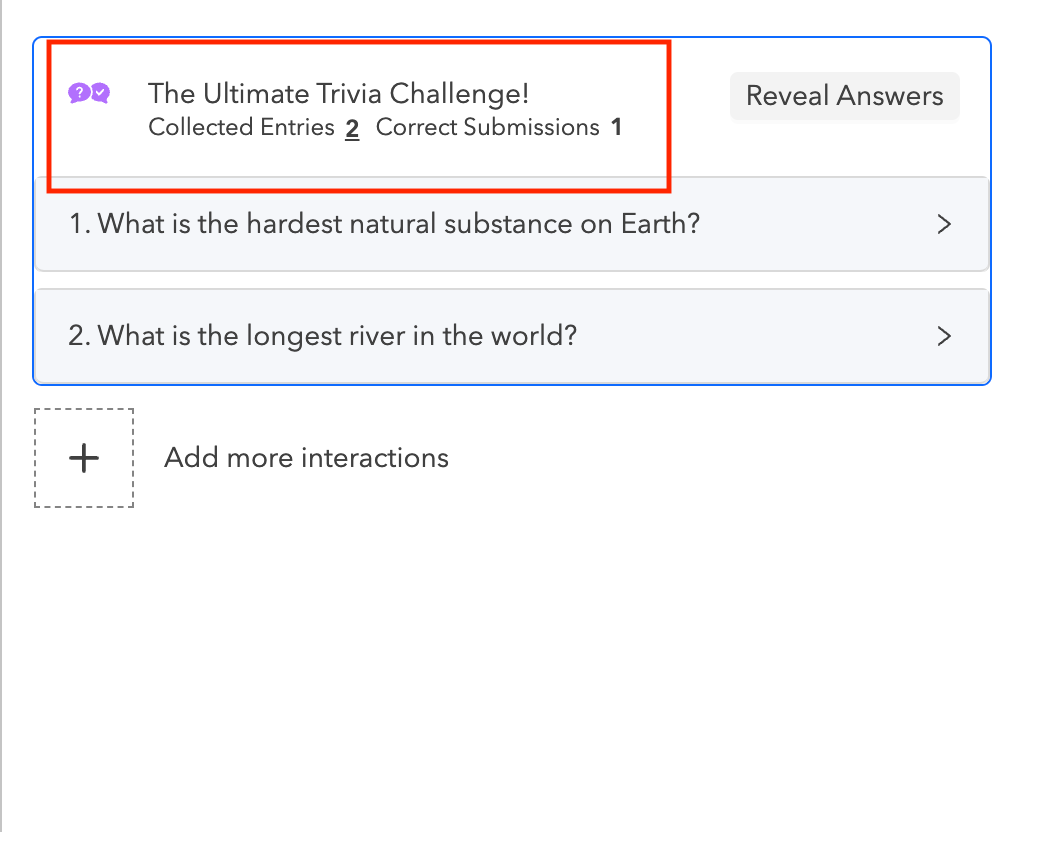
Once the event is live Launch the Trivia from Assistant mode. You will be able to see the Collection Entries and the Correct Submissions count.

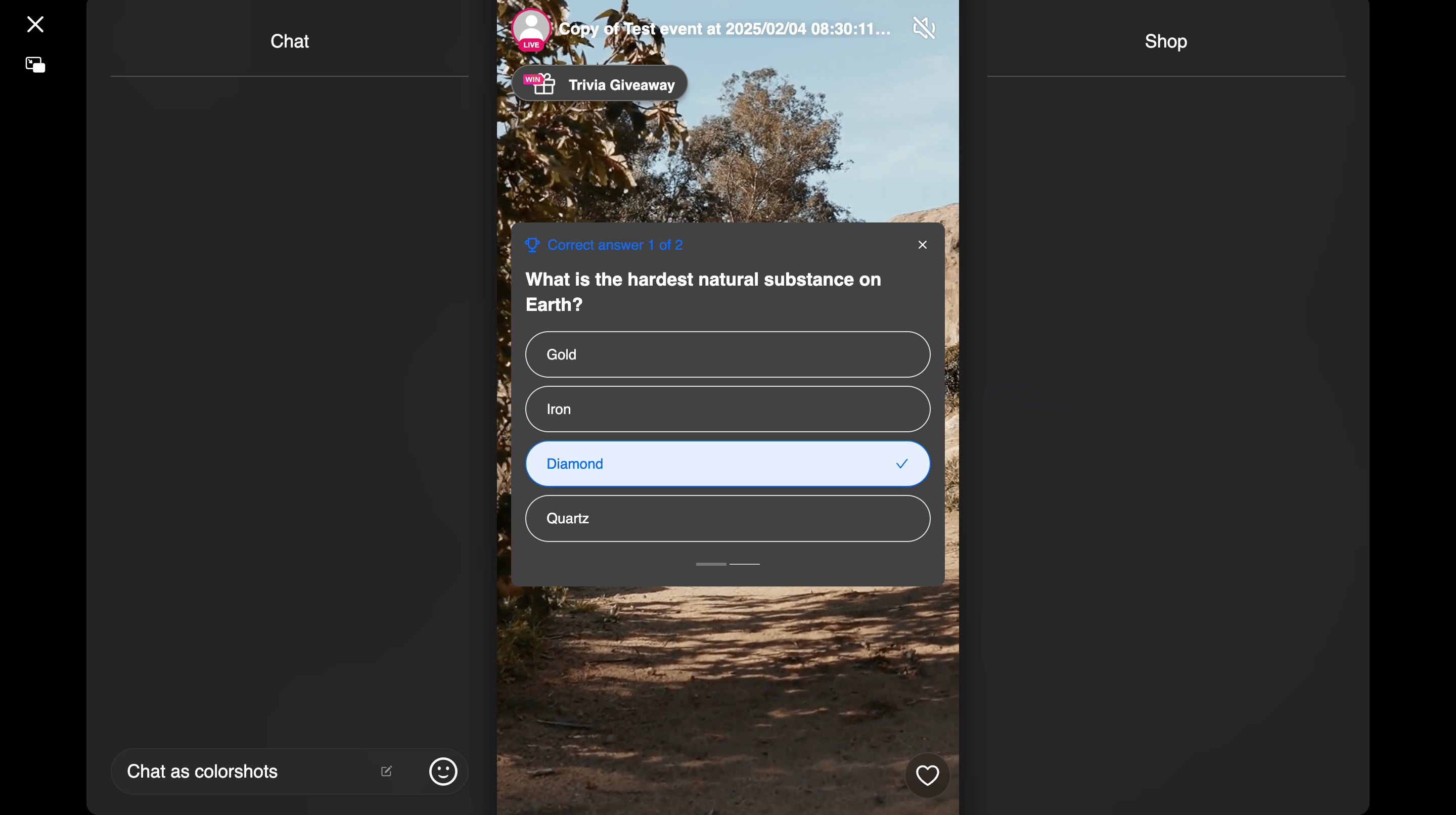
Preview - Trivia Question

i) If you accidentally close the Trivia by clicking the X icon, you can easily reopen the Trivia question box by selecting the Trivia Giveaway option again.
ii) Participants will be prompted to provide their email address after submitting their trivia answers.
Reveal Answers
Click on the "Reveal Answers" button to display the correct answers to the participants.

Preview - Answer
Draw the Winner
Next, click on the "Draw Winner" button. Only participants who answered the questions correctly will be eligible for the giveaway drawing.

Preview - Winner

Once the winner is announced you can End the Trivia.
Note: Trivia giveaways are only available for the modern player style.