
English
Get the Help you Need
Thank you! Your submission has been received!
Oops! Something went wrong while submitting the form.
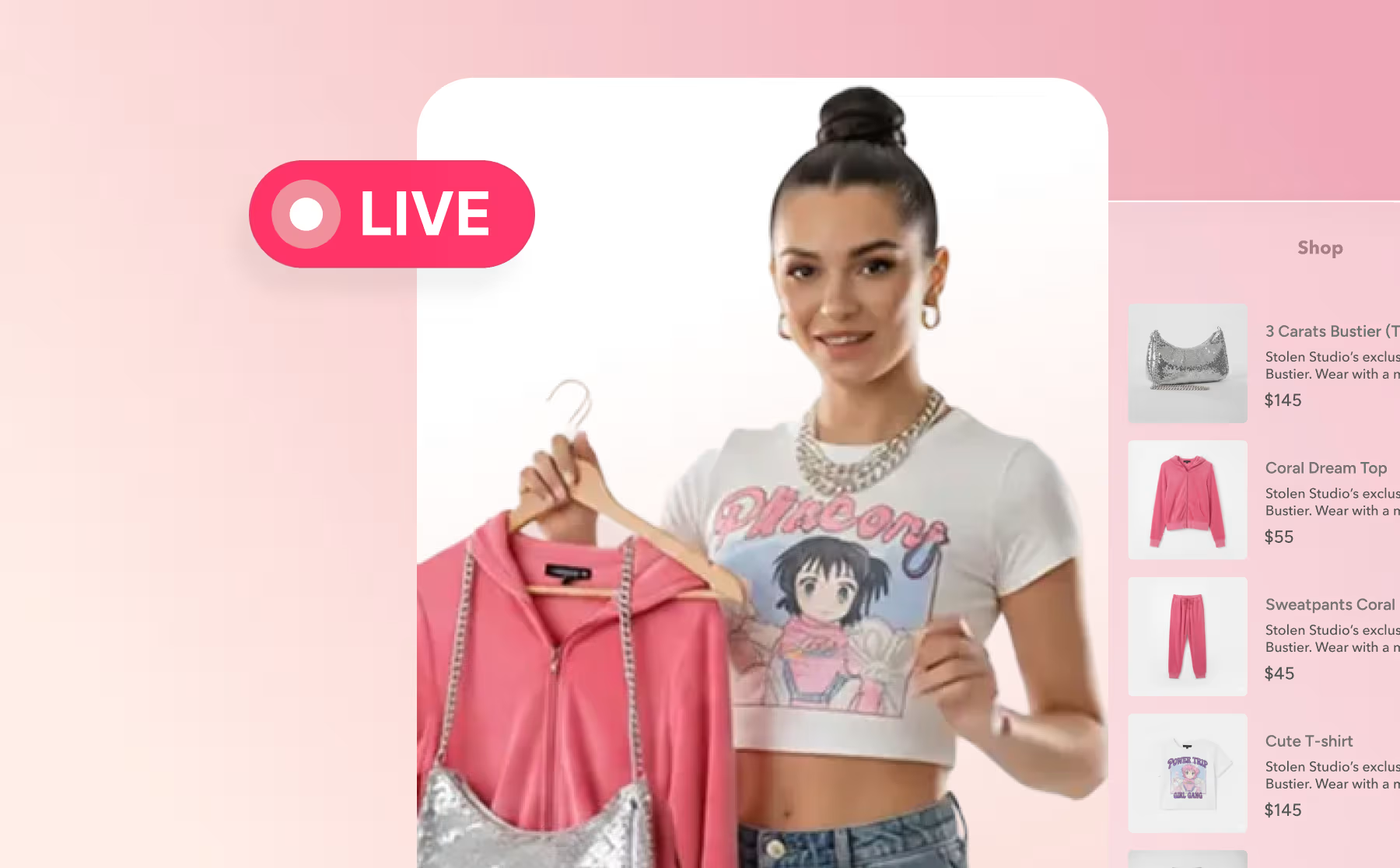


Share Your Firework Videos
Increase engagement with your customers by sharing short videos, livestream events, and replays.
Shoppable Video
Shop App FAQ
Answers to common questions about connecting Firework shoppable videos to Shopify's Shop App via Shop Minis.
Integrations
Shopify Self Serve Coupon Code
Shopify self serve plans now has a section for pricing plans and integration for coupon codes for Shopify
Integrations
Simulcast Your Livestream Event
Five easy steps to use the Multi-stream feature to stream to a social media platform.
Video Showroom
Simulcast your Livestream with the Firework Camera App
Learn how to set up and simulcast to social media platforms through the Firework Camera App.
Video Showroom
Smart Restream Scheduler
Automate and schedule restreams of existing livestreams in Digital Showroom, with time slots, recurrence options, and AI Copilot configuration.
Video Showroom
SMS/Email Reminder for a Livestream
Configure branded SMS and email reminders for upcoming Firework livestreams so viewers never miss an event.
Video Showroom
Sorting, Hiding and Untagging Videos in the Products Tab
Manage the order, visibility, and product associations of videos in the Firework Business Portal Products tab.
Shoppable Video
Sorting, Hiding and Untagging Videos in the Products Tab
Manage SKU feed videos with ease by organizing, sorting, and controlling video visibility in the Products tab.
Shoppable Video
Streaming and Encoding Settings
Configure bitrate, FPS, and keyframe interval settings to maximize the quality of your livestream events.
Video Showroom
Supported OMS Options
Overview of the order management systems (OMS) supported by Firework, including short video API integration options for custom setups.
Integrations
Supported SDK Features Tables
Full reference tables of Firework SDK-supported feed types, layouts, player configurations, livestream features, and ad capabilities.
Software Development Kit
Targeting capabilities: Passing key value pairs to Firework
Learn how to append key-value pairs using Google Ad Manager.
Ads
TikTok Shop Integration FAQ
Below are frequently asked questions regarding Firework x TikTok Shop Integration. If you do not see your question, please reach out to slasupport@fireworkhq.com.
Integrations
TikTok Shop Set-up Guide
A guided tutorial to integrate Firework with TikTok Shop. If you have any questions, please reach out to slasupport@fireworkhq.com.
Integrations
Tracking the Livestream Interactions
Access analytics for polls, question cards, giveaways, and links used during a Firework livestream from the Insights tab in the Business Portal.
Video Showroom
Transferring Visitor Conversations to Another Feed
Agents now have the ability to transfer active visitor conversations to another feed. This makes it easier to route visitors to the right agent or team without ending the existing conversation.
One-to-One Video Chat
Twitch Livestream Simulcast
Discover the steps to activate a Livestream Event Simulcast for Twitch through the Firework Business Portal.
Video Showroom
Types of Ads We Support - Native vs. Programmatic
We will cover the differences between Native and Programmatic Demand Ads
Ads
Upload a File in Chat - One to One Virtual Shopping
Learn how to share a document, image, or video during a One-to-One conversation.
One-to-One Video Chat
Upload Shoppable Videos in the Firework Business Portal
Learn how to upload shoppable videos in the firework business portal.
Get Started With Firework
Using In-Video Add to Cart (A2C)
We will showcase the steps with In-Video Add to Cart (A2C) functionality.
Shoppable Video