
English
Get the Help you Need
Thank you! Your submission has been received!
Oops! Something went wrong while submitting the form.

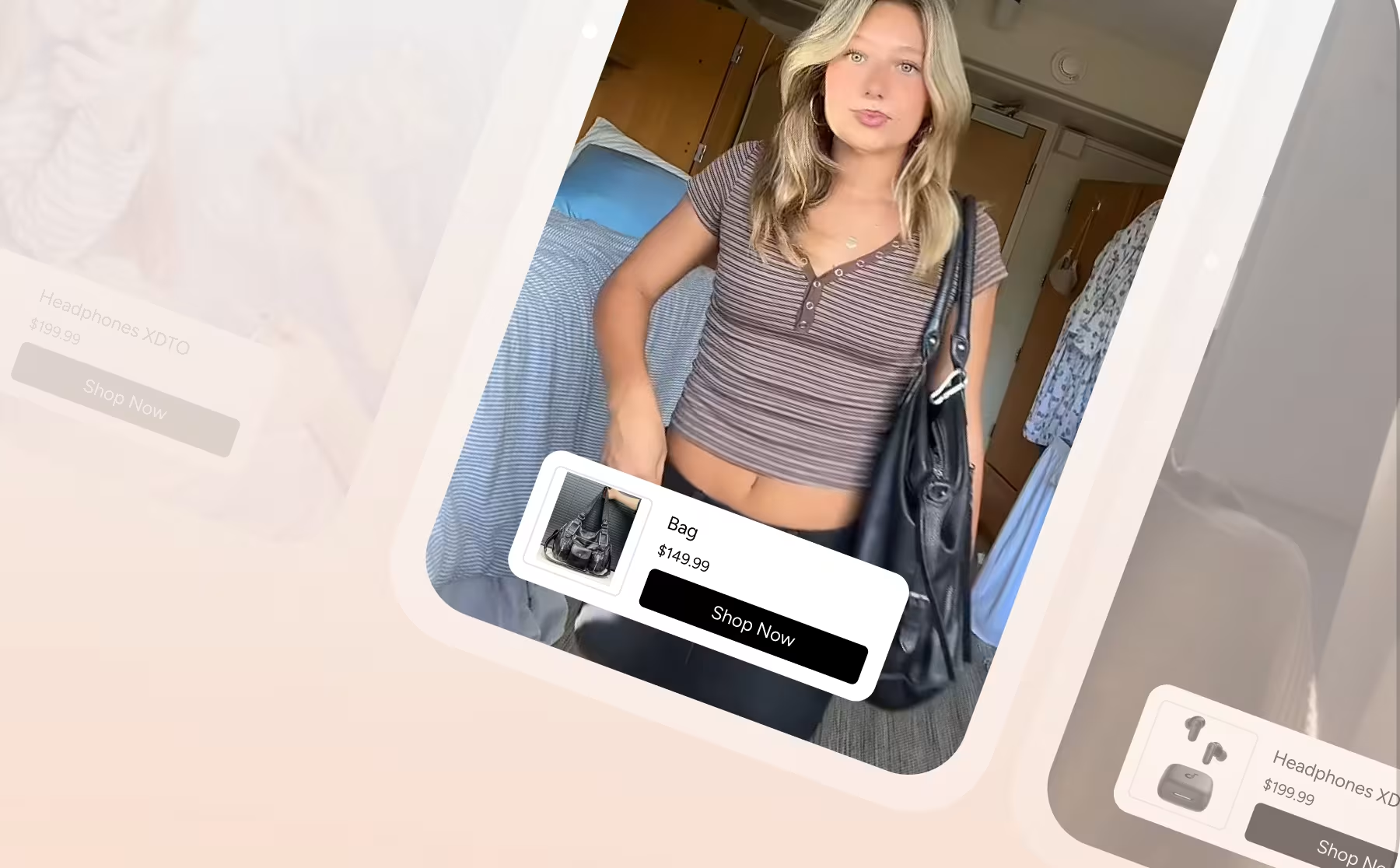


Manage Video Content in the Firework Camera App
Leverage the same functionality that's in the Business Portal all in one place -- the Firework Camera App.
Business Portal
Managing OTO Settings: A Detailed Overview of Admin and SA Permissions
Complete breakdown of One-to-One widget settings and which actions are available to Admin vs. Shopping Agent roles.
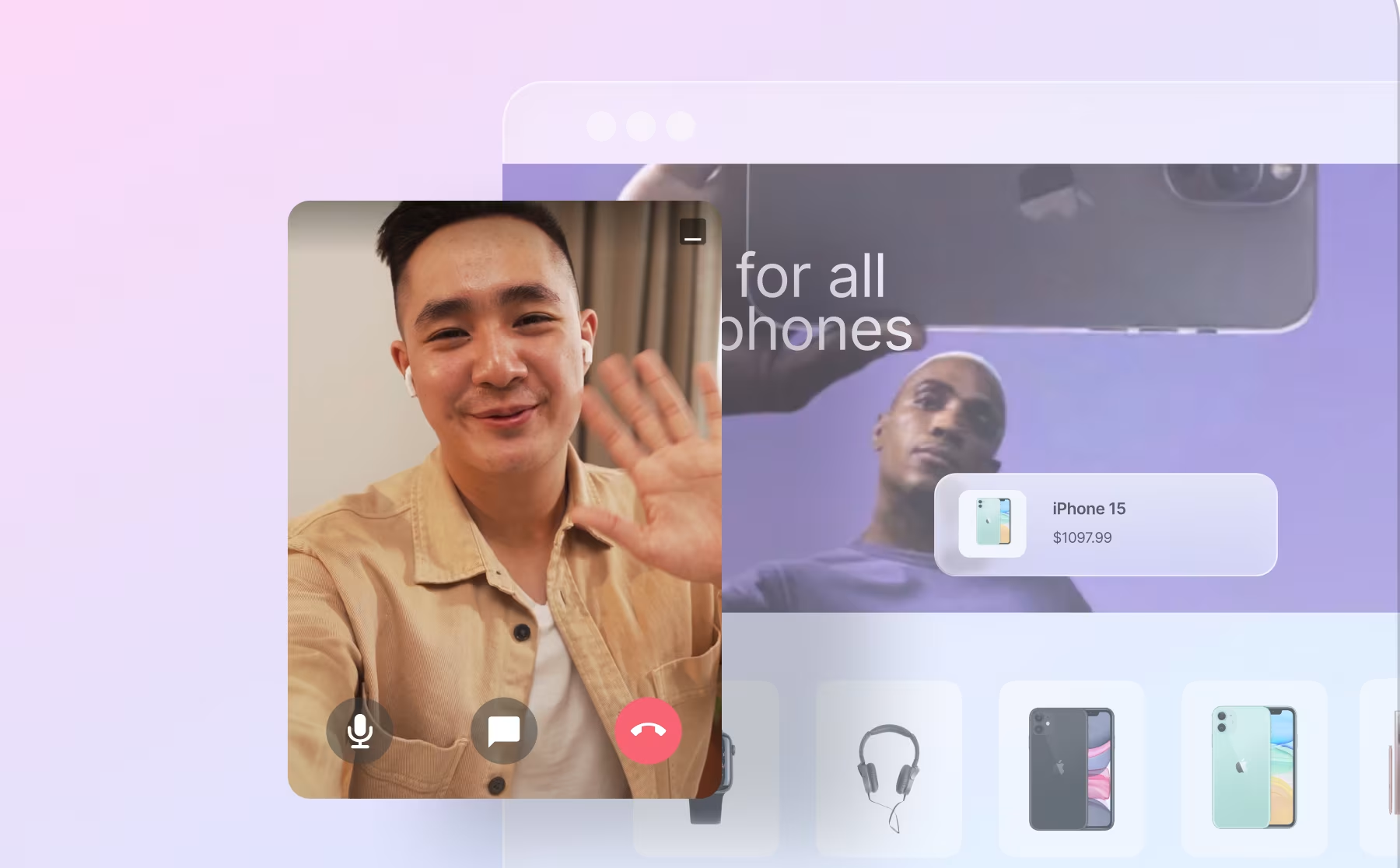
One-to-One Video Chat
Measure Ads Monetization Performance
Share daily Google Ad Manager reports with Firework to track ad impressions, fill rate, eCPM, and other monetization metrics.
Ads
Multi-Chat with One to One Virtual Shopping
Learn how to open multiple conversations with visitors on your website.
One-to-One Video Chat
Multi-Chat with One to One Virtual Shopping on Mobile App
Learn how to manage multiple conversations with visitors on your Mobile App
One-to-One Video Chat
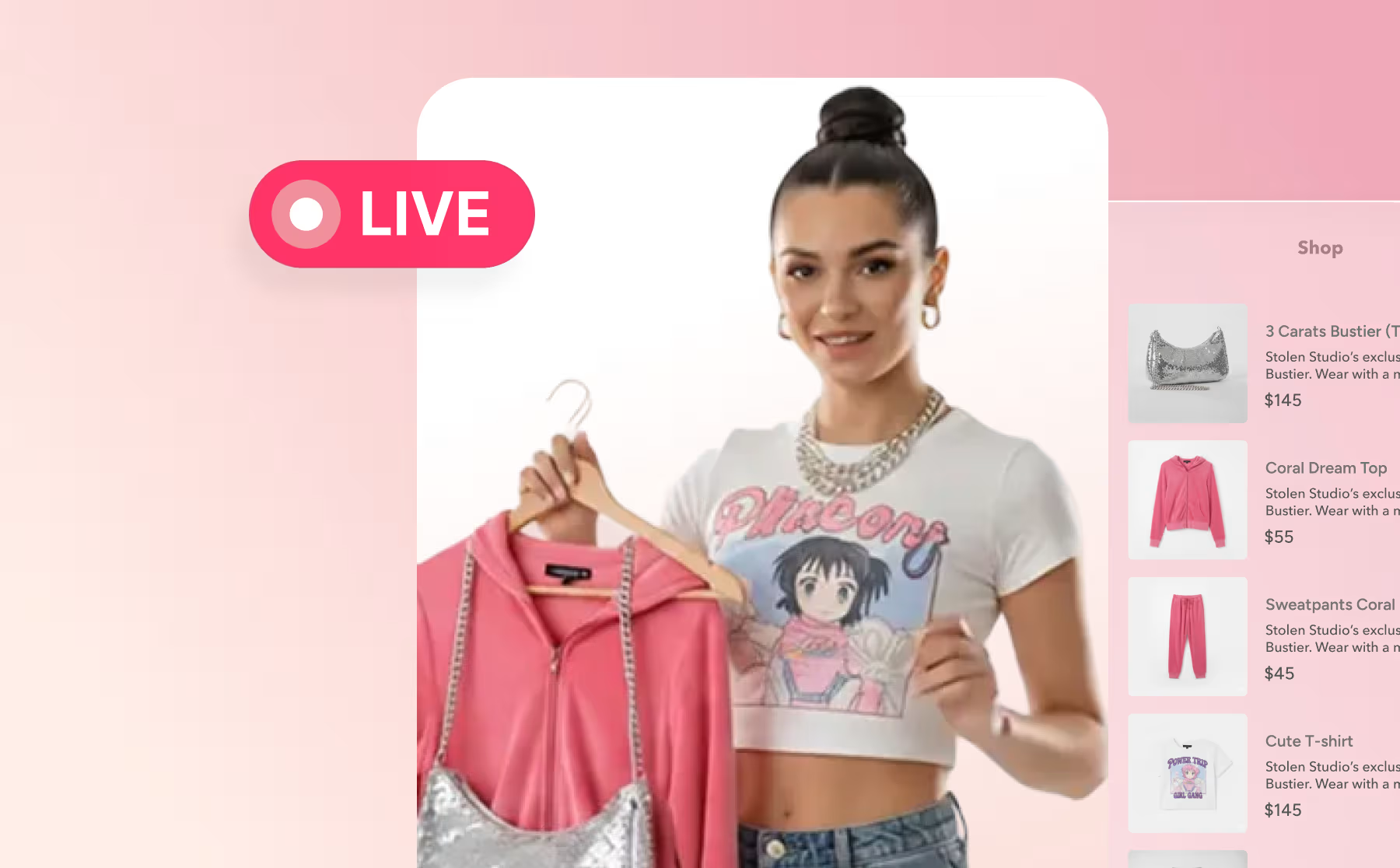
Multi-Pin in a Livestream/Showroom
Pin up to three products and multiple interactions simultaneously during a Firework livestream or showroom to keep viewers engaged.
Video Showroom
Navigate the Firework Business Portal
Learn more about navigating the Firework Business Portal
Get Started With Firework
Navigate the One-to-One Virtual Shopping Analytics Dashboard
Learn how to access and view your performance data for One-to-One Virtual Shopping.
One-to-One Video Chat
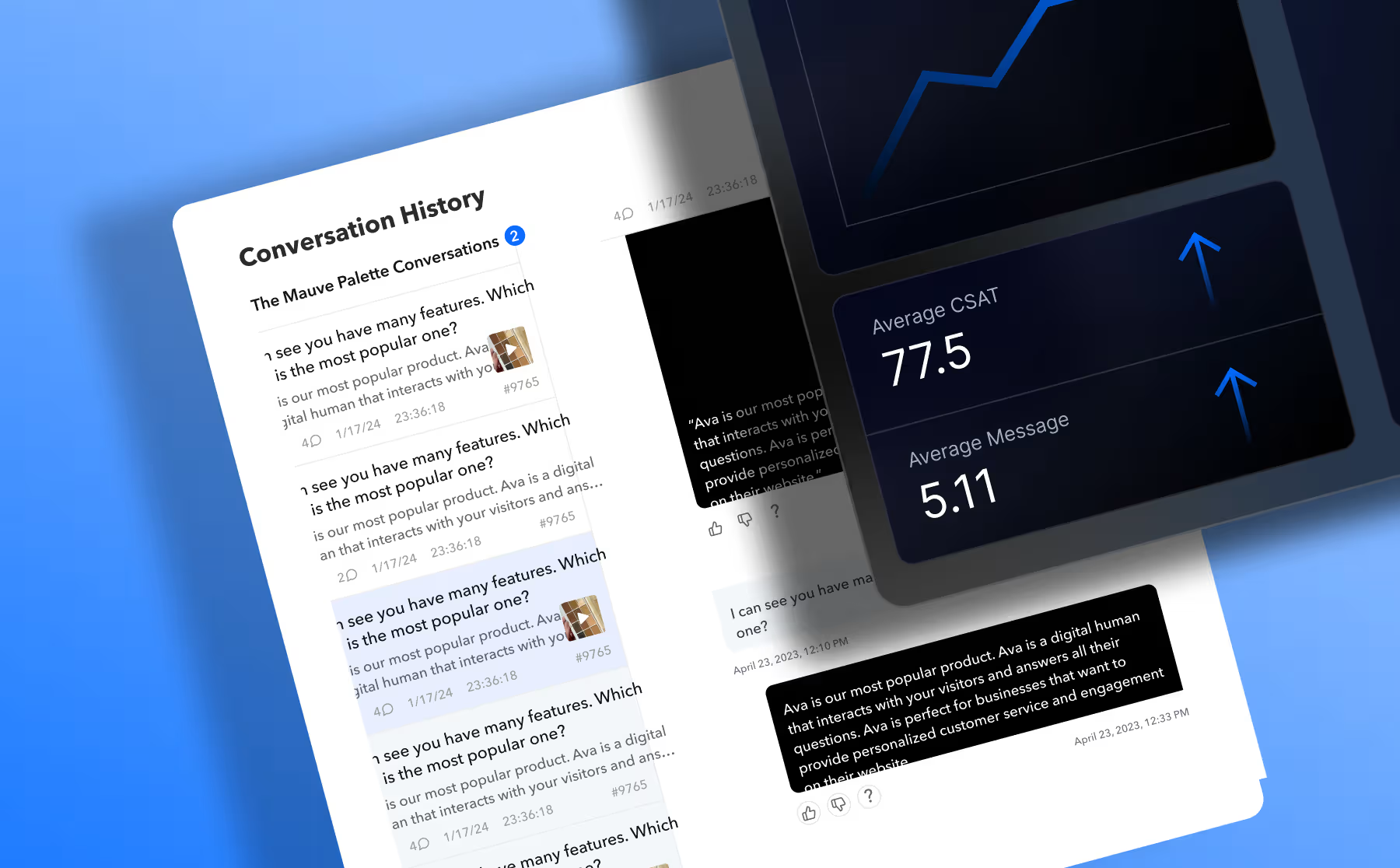
Navigating the AVA Insight Dashboard
Learn how to access and view the performance data for AVA.
AVA AI Virtual Assistant
New Player Deck
Embed Firework's Player Deck layout to display multiple shoppable videos and drive shoppers to product detail pages quickly.
Get Started With Firework
One-to-One Customizable Offline Widget Content
Learn how to customize offline widget content and visibility
One-to-One Video Chat
One-to-One Virtual Shopping Analytics
FAQ covering sales attribution, NPS surveys, call recording, and how to track conversions from One-to-One virtual shopping sessions.
One-to-One Video Chat
One-to-One Virtual Shopping Analytics Glossary
Please see our breakdown of the metrics we track and their definitions.
One-to-One Video Chat
One-to-One Virtual Shopping Best Practices
Here are some tips to consider for leveraging One-to-One Virtual Shopping.
One-to-One Video Chat
One-to-One Virtual Shopping - Call Troubleshooting Tips
See some technical tips to help guide a user to successfully join a call.
One-to-One Video Chat
One-to-One Virtual Shopping Changelog
See the latest updates and developments to One-to-One Virtual Shopping.
Changelogs
One-to-One Virtual Shopping - General FAQ
To help address technical questions, please review the following. We will update this over time as well
One-to-One Video Chat
One-to-One Virtual Shopping: Navigating the Workspace as a Sales Agent
As a Sales Agent (SA), learn how to navigate your One-to-One Workspace to view visitor information, enter a conversation, and share product links for their browser.
One-to-One Video Chat
One-to-One Virtual Shopping: Where to Start
See the 5 things needed to set up One-to-One and start selling online!
One-to-One Video Chat
Organize Videos Into Playlists Using Automation
Add and remove videos from a playlist in bulk using the Automator feature in the Firework Business Portal.
Business Portal
Player Implementation Guide
This guide is aimed to help you implement the Player type, coupled with FAQs when implementing the different Players.
Business Portal
Portal App Download
OTO Workspace is available for download on both Windows and Mac OS.
One-to-One Video Chat
PPID and Consent String in Embed Paramet
We support Consent Strings, Publisher provided identifier (PPID). We'll cover how to add Consent Strings and PPID to your Ads.
Ads