
English
Get the Help you Need
Thank you! Your submission has been received!
Oops! Something went wrong while submitting the form.

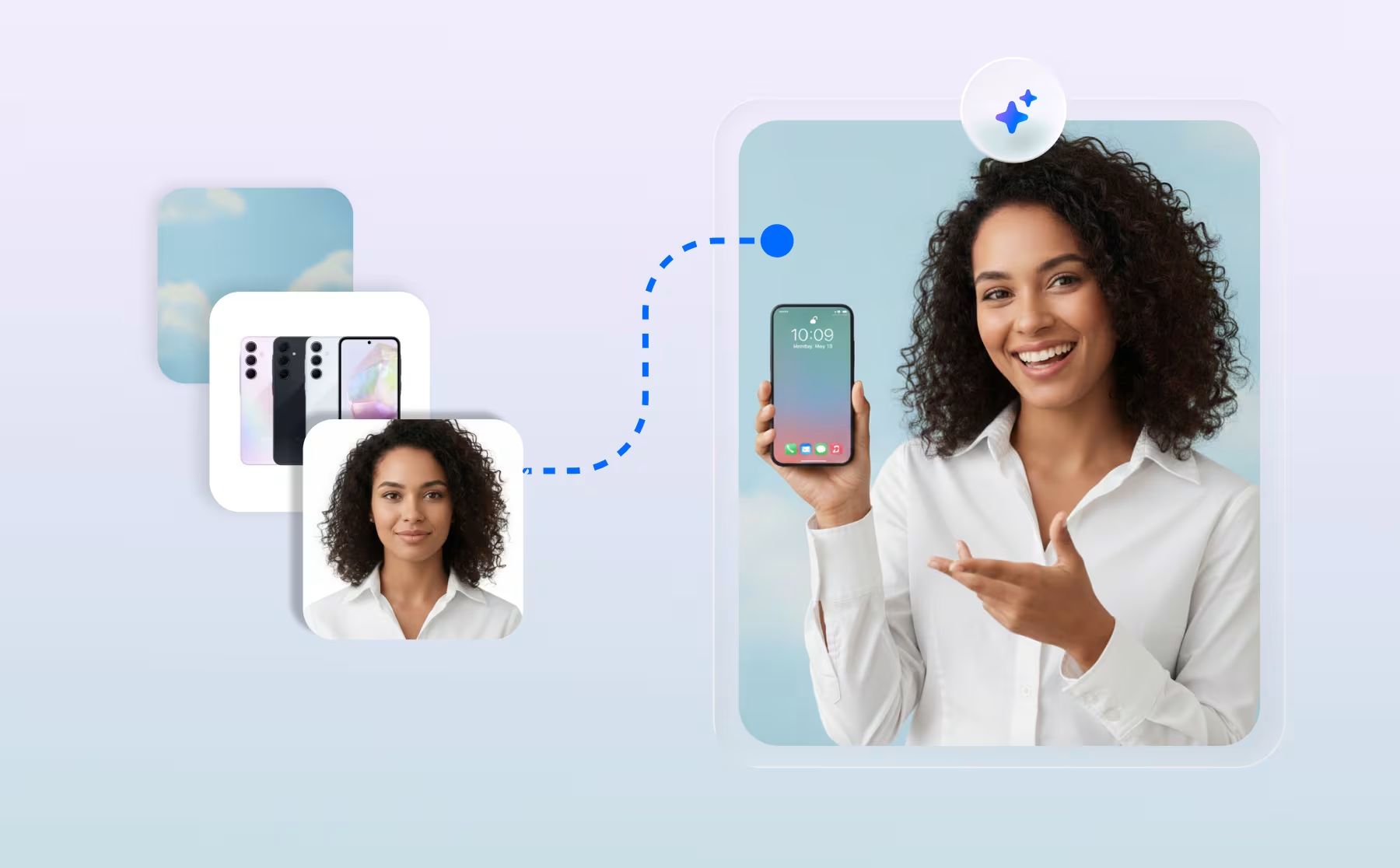
How to setup AI Copilot
Learn how to use AI Co-Pilot to moderate your live events and respond to viewers in real-time!
Video Showroom
How to setup Default Interaction for AVA
This is the initial input option shoppers will encounter, allowing them to choose between text or audio input during the conversation.
AVA AI Virtual Assistant
How to Set Up Trivia Giveaway Interactions for Livestreams
Add a trivia giveaway to your Firework livestream — create questions, set correct answers, and draw winners from correct respondents.
Video Showroom
How to Stream a Prerecorded Video
Learn how to use our prerecorded video feature to upload long form videos to enable live for your next livestream event!
Get Started With Firework
How to Upload External Leads for “Remind
Upload a CSV of emails and phone numbers to enroll external contacts into Remind Me notifications for a specific Firework livestream event.
Video Showroom
How to Upload External Leads for “Remind Me” Trailers
Users can now upload a CSV file containing emails and phone numbers to enroll viewers into Remind Me notifications for a specific livestream.
Video Showroom
IAB Europe TCF (Transparent & Consent Framework)
Understand how Firework complies with GDPR through IAB TCF v2.0 certification and how consent is handled for ad targeting on your site.
Ads
Implementing the One-to-One Virtual Shopping Script
Learn how to implement our One-to-One Virtual Shopping Script on your website.
One-to-One Video Chat
Implement One-to-One Virtual Shopping on
Set up Firework's One-to-One virtual shopping on WooCommerce by installing the plugin and configuring your channel ID.
One-to-One Video Chat
Implement One-to-One Virtual Shopping on Shopify
Follow the below steps to enable full One-to-One Virtual Shopping visibility across your Shopify website.
One-to-One Video Chat
Implement One-to-One Virtual Shopping on WooCommerce
Configure the Firework WooCommerce plugin to support seamless One-to-One Virtual Shopping sessions.
One-to-One Video Chat
Implement the Tracking for One-to-One Virtual Shopping
In order to collect data from One-to-One Virtual Shopping Conversations, we require adding the following Firework tracking tag.
One-to-One Video Chat
Importing videos from Google drive
Learn how to import videos from google drive
Get Started With Firework
Import Products from Adobe Commerce Cloud into Firework
Learn how to import products from Adobe Commerce Cloud into the Firework Business Portal.
Integrations
Import Products from Your OMS to Your Firework Account
How to import your products from a third-party OMS to your Firework Business Portal
Business Portal
Insert a Widget and Firework Embed in BigCommerce
Learn the steps to set up your widget and embed a Firework Feed in your BigCommerce storefront.
Integrations
Inserting an Announcement into your Livestream or Replay
Learn how to set up an Announcement to show during your Livestream and Replay.
Video Showroom
Instagram Livestream Simulcast
Learn how to enable a Livestream Event Simulcast for Instagram.
Video Showroom
Integrate Firework with BigCommerce
Learn to integrate your Firework Business Portal with BigCommerce and import products.
Integrations
Integrate Firework with Duda
How to integrate your Firework account with the Duda App Store
Integrations
Integrate Firework with Klaviyo
This article will go through the process of connecting Firework to Klaviyo & Adding Videos. Skip to "Integration through Klaviyo" if you do not have a Firework Account.
Integrations
Integrate Magento 2 with Firework
Install the Firework Magento 2 extension to automatically sync your product catalog and embed shoppable video widgets into your store.
Integrations