
English
Get the Help you Need
Thank you! Your submission has been received!
Oops! Something went wrong while submitting the form.

Full PDP Crawling (Semi-Automated)
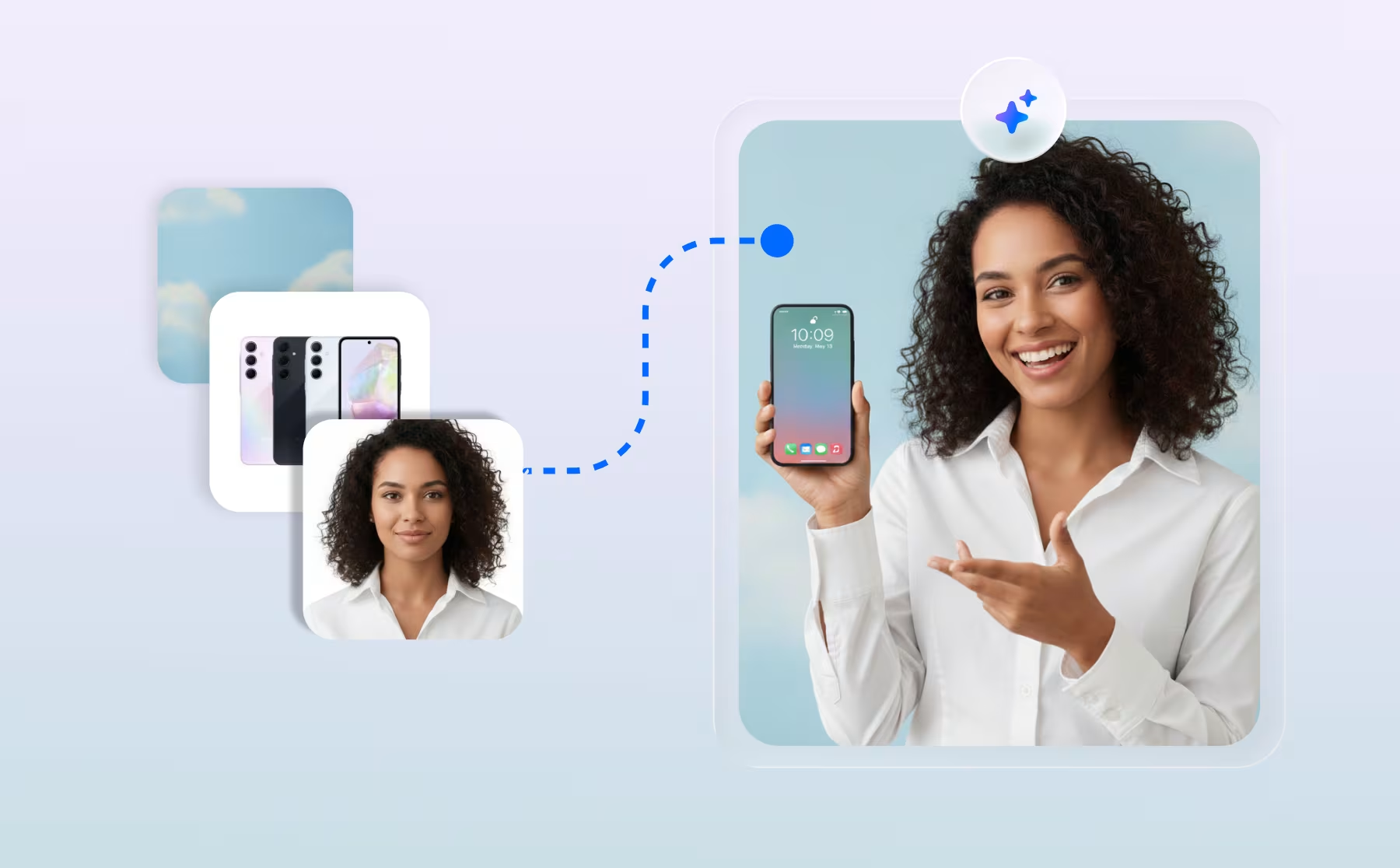
Use AVA's semi-automated PDP crawling to extract FAQs and product content from detail pages at import, enriching your product data automatically.
AVA AI Virtual Assistant
Full Width Support & Advanced Widget Configuration for AVA Embed
The AVA Embed feature allows you to display your AI assistant on your website with customizable options, including full-width support, interactive FAQs, and advanced styling for your widget and buttons. This guide explains how to embed AVA and configure it effectively.
AVA AI Virtual Assistant
Get started with Ad Monetization
Start monetizing your Firework channels with video ads by connecting a VAST or VMAP tag from Google Ad Manager or another ad server.
Ads
Get Started with Programmatic Demand
Firework uses the IMA SDK which makes enabling programmatic demand including both pre-roll and interstitial video ads within your Firework player integrations quick and seamless.
Ads
Go Live with Multiple Hosts
This article will demonstrate how to go live with multiple hosts.
Video Showroom
Go Live with the Firework Camera App
Download and use the Firework Camera App to host, configure, and manage livestream events directly from your mobile device.
Get Started With Firework
Host Tablet Dashboard
Learn from industry experts how to moderate a livestream using the Host Tablet Dashboard
Video Showroom
How to Access the Schedule Archive
Learn how to effectively archive your videos ensuring a clean and organized content library.
Video Showroom
How to add Link Interactions for your livestream event
Allow viewers to access key resources during the livestream without repeatedly sharing them in the chat.
Video Showroom
How to Apply Promo Code?
Apply a promo code to your Firework pricing plan in the Business Portal to activate a discount or free trial on your subscription.
Integrations
How to Configure Text Snippets
Learn how to automate your chat replies faster using Text Snippets!
One-to-One Video Chat
How to connect to Instagram Business Account from Firework Platform
Learn how to connect Firework to Instagram
Get Started With Firework
How to Customize the Widget Menu Picture
Upload a custom image to your One-to-One workspace widget menu in the Firework Business Portal to personalize the shopper-facing experience.
One-to-One Video Chat
How to Customize the Widget Menu Picture in the One-to-One Workspace
Update the widget menu picture to personalize your One-to-One (OTO) workspace experience.
One-to-One Video Chat
How to Embed AVA 4.0 on Your Website
Learn how to Embed and Publish your AVA.
AVA AI Virtual Assistant
How to Go Live with Third-Party Open Broadcasting System (OBS)
Learn how to Go Live using OBS
Get Started With Firework
How to Inject JSON-LD Schema for Your First Widget Video
Add structured data to your Firework video widget with jsonld=true to improve video search visibility and indexing in Google.
Get Started With Firework
How to Limit Incoming Chats in a Livestream
Learn to limit incoming comments to provide a smooth viewing experience.
Video Showroom
How to Search for Messages within Assistant Mode
Enables users to easily browse and search messages within a Livestream using Assistant Mode.
Video Showroom
How to Setup a Horizontal Livestream Event
Learn the steps needed to present a horizontal Livestream
Video Showroom